Docs / Bottom bars / 16
TileBottomBar
Flat, square bar where an accent tile fills the selected tab and stretches as it slides to the next.
Preview
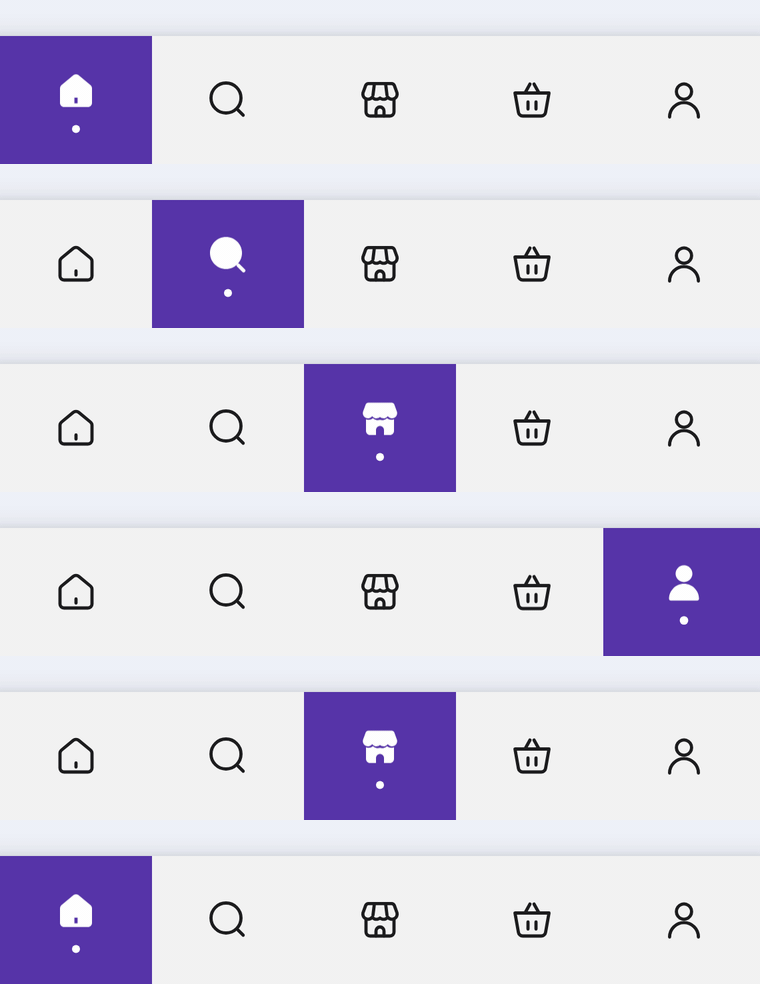
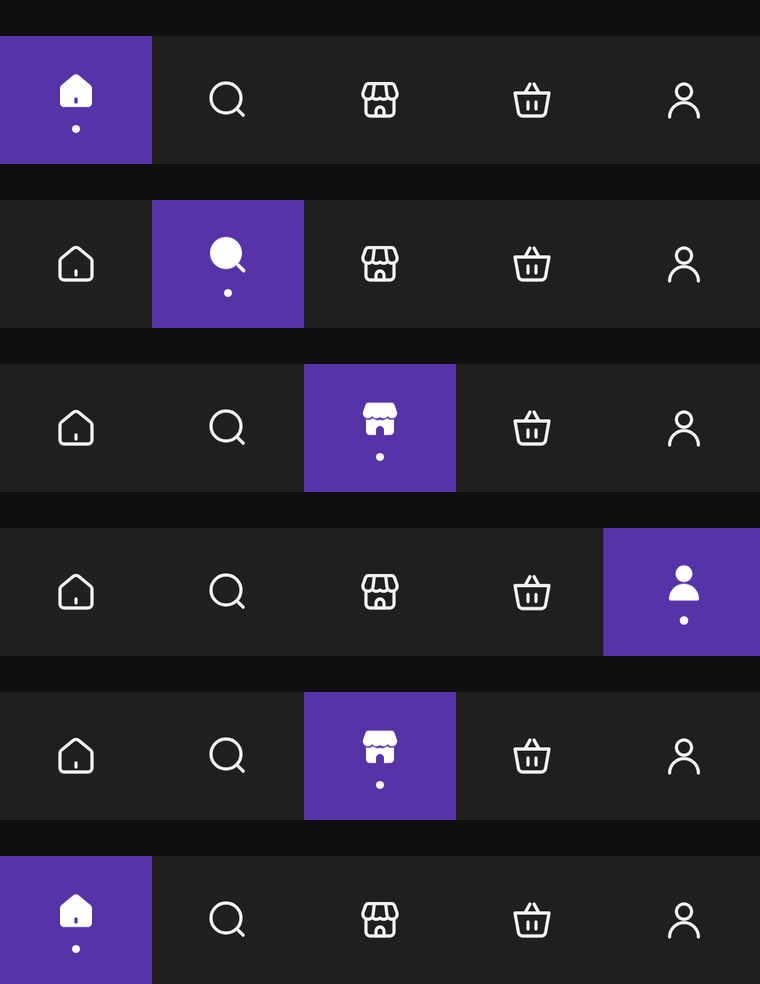
A flat, square-cornered bar of icon-only tabs. An accent tile fills the selected tab edge to edge, its icon fills in over a small dot, and the tile stretches as it slides to the next tab.
Usage
TileBarItem has no center item: any tab can be selected, and every slot gets the same width. The bar only shows icons; the selected one switches to its selectedIcon with a dot underneath. label is read out by TalkBack.
import com.nameisjayant.bottombar.tile.TileBarItem
import com.nameisjayant.bottombar.tile.TileBottomBar
import com.nameisjayant.bottombar.tile.TileBottomBarDefaultsval items = listOf(
TileBarItem("Home", Icons.Outlined.Home, Icons.Filled.Home),
TileBarItem("Search", Icons.Outlined.Search, Icons.Filled.Search),
TileBarItem("Store", Icons.Outlined.Storefront, Icons.Filled.Storefront),
TileBarItem("Cart", Icons.Outlined.ShoppingCart, Icons.Filled.ShoppingCart),
TileBarItem("Profile", Icons.Outlined.Person, Icons.Filled.Person),
)
TileBottomBar(
items = items,
selectedIndex = selectedIndex,
onItemClick = { selectedIndex = it },
)Sizing and behavior
The bar is BarHeight (64dp) tall and spans the full width; the tile covers the whole height and width of the selected slot. Icons are IconSize (24dp), and the selected one lifts to make room for a DotSize (4dp) dot DotSpacing (5dp) below it. When the selection changes, the tile's leading edge runs ahead of its trailing edge, so it stretches mid-flight and settles back into one slot (mirrored in right-to-left layouts). The outline is a plain rectangle, so shadowElevation works on every API level.
Colors
Colors come from TileBottomBarDefaults.colors(darkTheme), lightColors(...) and darkColors(...). Start from either palette and override only what you need.
| Color | Used for |
|---|---|
containerColor | The bar |
indicatorColor | The tile behind the selected tab |
selectedContentColor | Icon and dot on the tile (white by default) |
unselectedContentColor | Icons of the other tabs |
TileBottomBar(
    items = items,
    selectedIndex = selectedIndex,
    onItemClick = { selectedIndex = it },
    // Follow your app's theme instead of the system one.
    colors = TileBottomBarDefaults.colors(darkTheme = isDarkTheme),
)
API
The full signature of the composable and its item class:
fun TileBottomBar(
    items: List<TileBarItem>,
    selectedIndex: Int,
    onItemClick: (index: Int) -> Unit,
    modifier: Modifier = Modifier,
    colors: TileBottomBarColors = TileBottomBarDefaults.colors(),
    shadowElevation: Dp = 0.dp,
    windowInsets: WindowInsets = TileBottomBarDefaults.windowInsets,
)

class TileBarItem(
    val label: String,
    val icon: ImageVector,
    val selectedIcon: ImageVector = icon,
)