Docs / Bottom bars / 01
HaloBottomBar
Flat bar with a raised halo around the center item. Selection animates the icon and label.
Preview
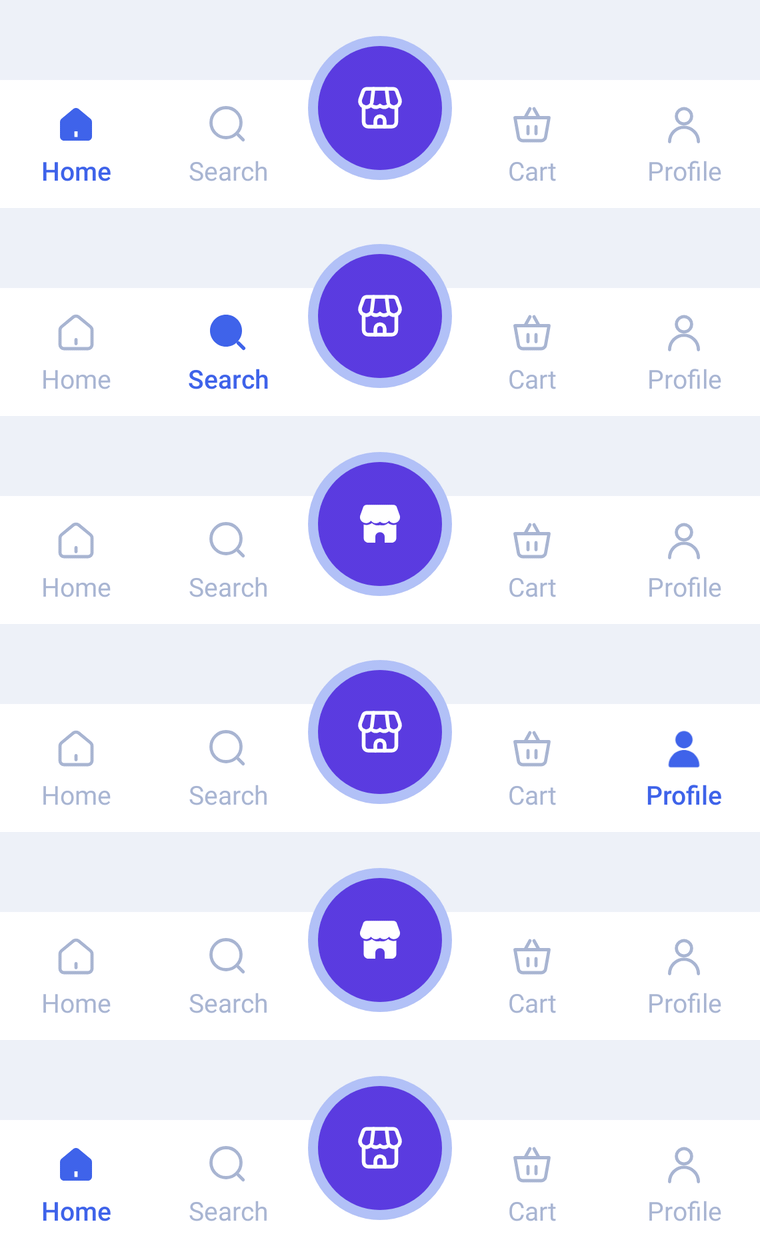
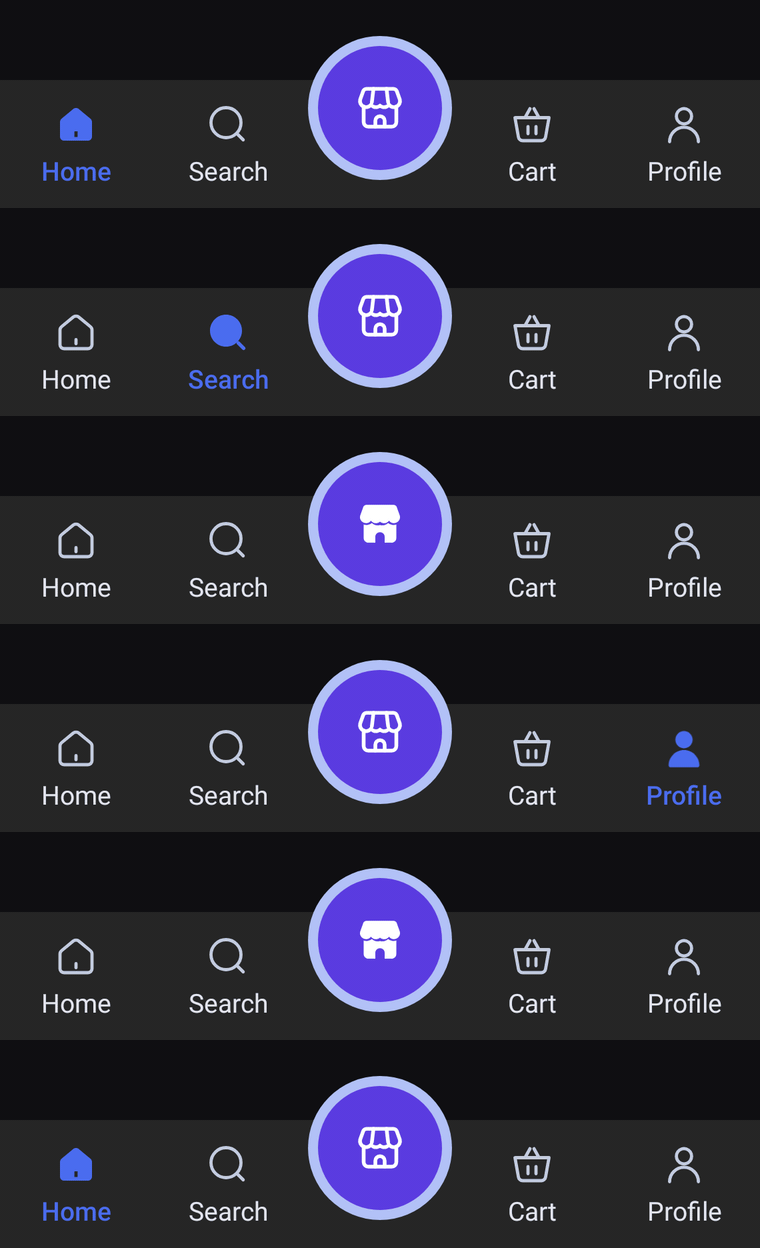
A flat bar with a raised, ringed center orb. Outlined/filled icon swap, spring bounce on selection, and a ring that ripples out of the orb when it is selected.
Usage
Each HaloBarItem takes a label, an icon, and an optional selectedIcon (usually the filled twin of the outlined icon). The middle item becomes the halo, so pass an odd number of items (3, 5, 7…).
import com.nameisjayant.bottombar.halo.HaloBarItem
import com.nameisjayant.bottombar.halo.HaloBottomBar
import com.nameisjayant.bottombar.halo.HaloBottomBarDefaultsval items = listOf(
HaloBarItem("Home", Icons.Outlined.Home, Icons.Filled.Home),
HaloBarItem("Search", Icons.Outlined.Search, Icons.Filled.Search),
HaloBarItem("Store", Icons.Outlined.Storefront, Icons.Filled.Storefront), // the halo
HaloBarItem("Cart", Icons.Outlined.ShoppingCart, Icons.Filled.ShoppingCart),
HaloBarItem("Profile", Icons.Outlined.Person, Icons.Filled.Person),
)
var selectedIndex by rememberSaveable { mutableIntStateOf(0) }
Scaffold(
bottomBar = {
HaloBottomBar(
items = items,
selectedIndex = selectedIndex,
onItemClick = { selectedIndex = it },
)
},
) { innerPadding ->
// Your screen content
}Sizing and behavior
Any ImageVector works. The icons above come from material-icons-extended; the sample app draws its own.
The halo is a normal tab: selecting it swaps to its selectedIcon, and a ring ripples out of the orb. onItemClick also fires when the user taps the tab that is already selected, so you can scroll to the top or pop to the tab's root.
The bar is BarHeight (64dp) tall, and the halo rises HaloOverhang (22dp) above it, so leave that much room above the bar for the orb. HaloBottomBarDefaults also exposes HaloSize, HaloRingWidth, IconSize and HaloIconSize.
Colors
Colors come from HaloBottomBarDefaults.colors(darkTheme), lightColors(...) and darkColors(...). Start from either palette and override only what you need.
| Color | Used for |
|---|---|
containerColor | The bar background |
selectedContentColor | Icon and label of the selected side tab |
unselectedContentColor | Icons of the other side tabs |
unselectedLabelColor | Labels of the other side tabs |
haloColor | Fill of the center orb |
haloRingColor | Ring around the orb, and the burst when it is selected |
haloContentColor | Icon inside the orb |
HaloBottomBar(
    items = items,
    selectedIndex = selectedIndex,
    onItemClick = { selectedIndex = it },
    // Follow your app's theme instead of the system one.
    colors = HaloBottomBarDefaults.colors(darkTheme = isDarkTheme),
)
API
The full signature of the composable and its item class:
fun HaloBottomBar(
    items: List<HaloBarItem>,
    selectedIndex: Int,
    onItemClick: (index: Int) -> Unit,
    modifier: Modifier = Modifier,
    colors: HaloBottomBarColors = HaloBottomBarDefaults.colors(),
    labelStyle: TextStyle = HaloBottomBarDefaults.LabelStyle,
    windowInsets: WindowInsets = HaloBottomBarDefaults.windowInsets,
)

class HaloBarItem(
    val label: String,
    val icon: ImageVector,
    val selectedIcon: ImageVector = icon,
)