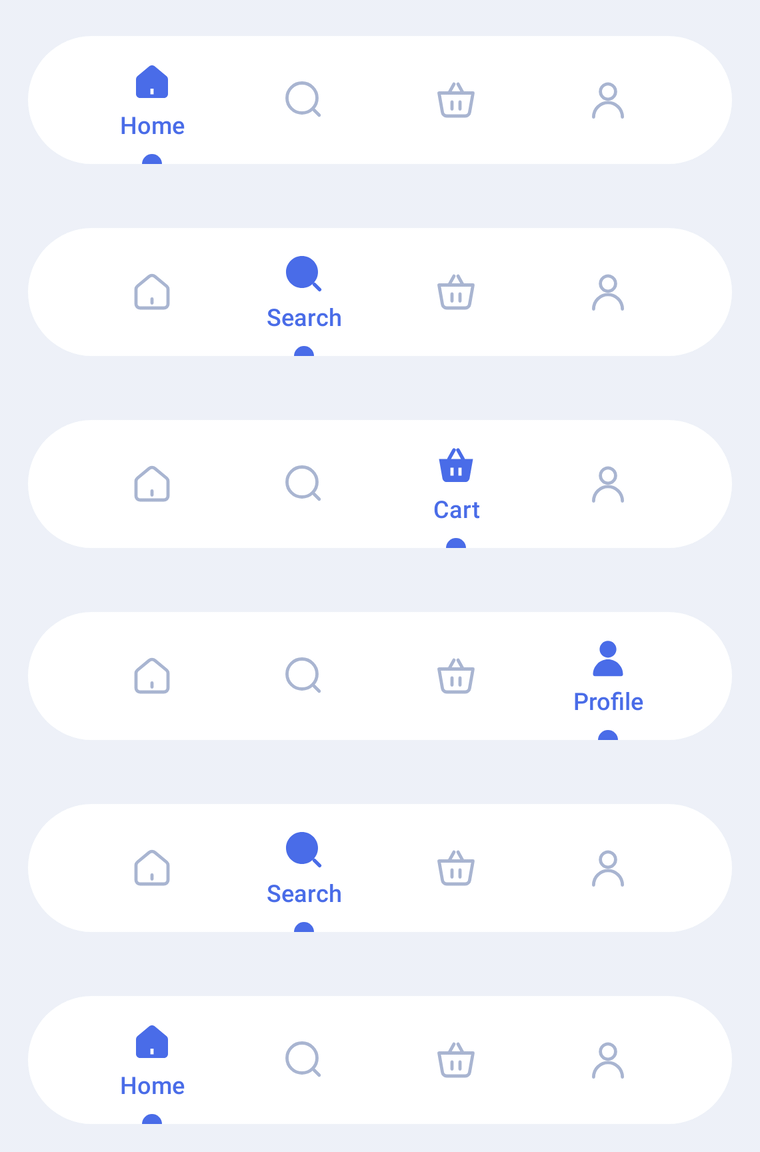
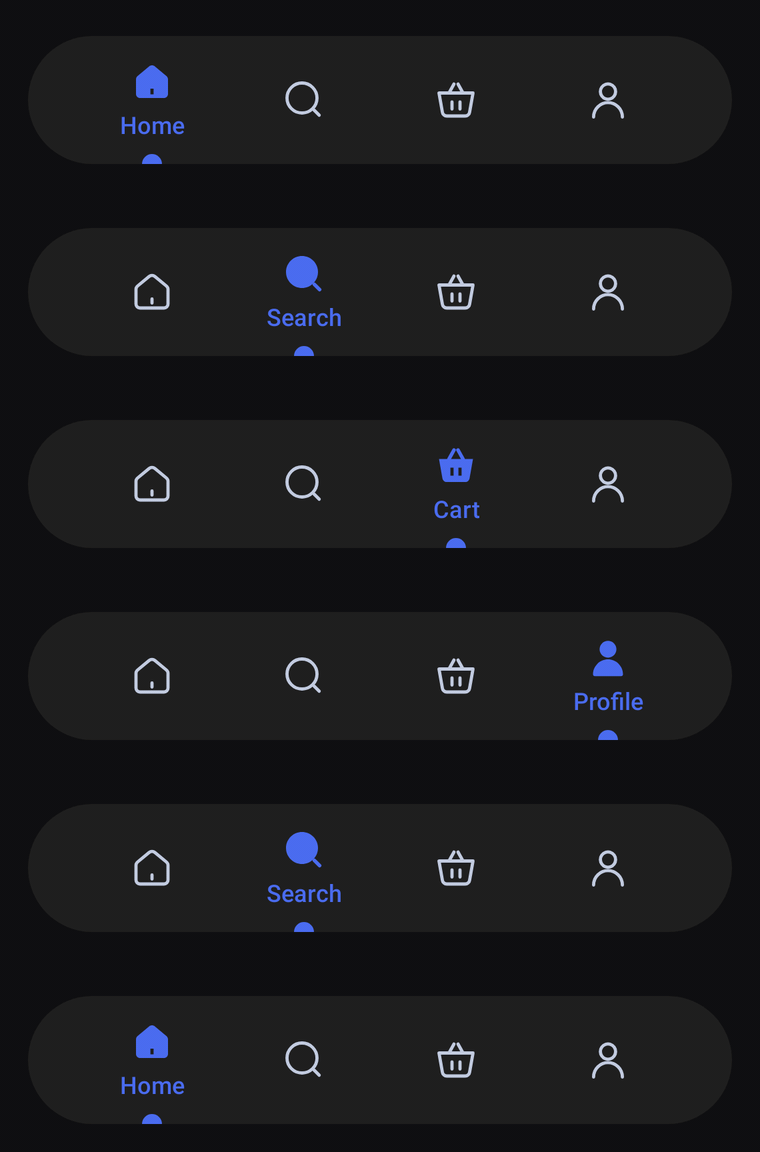
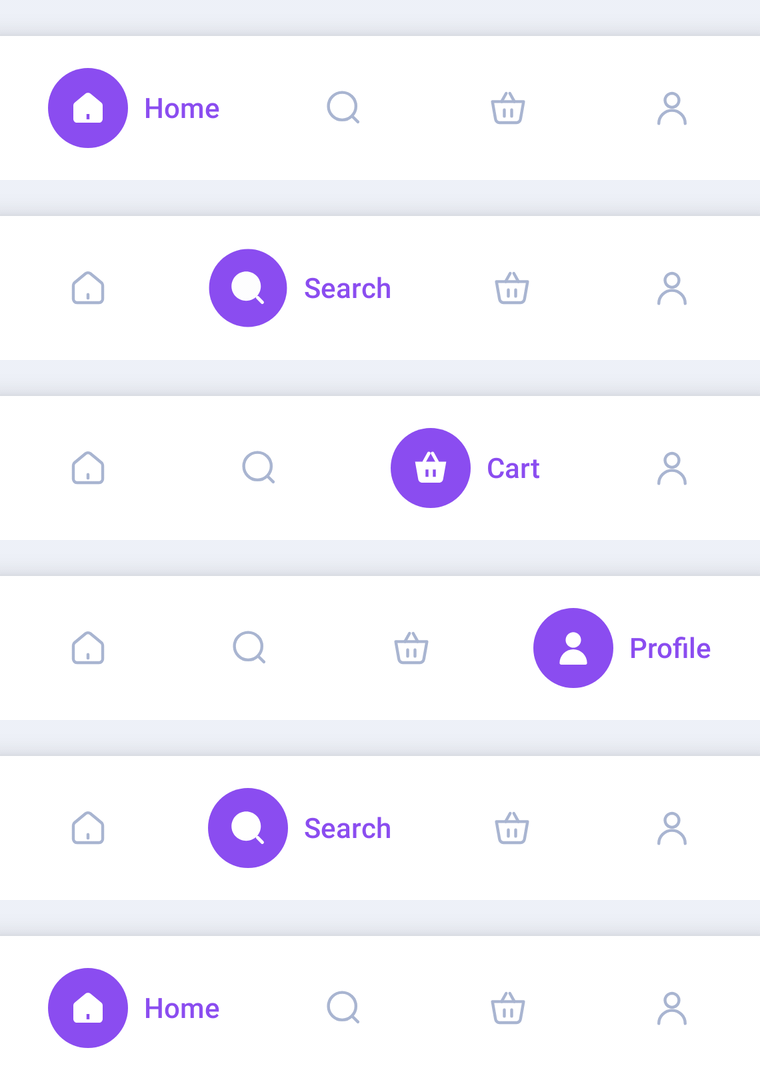
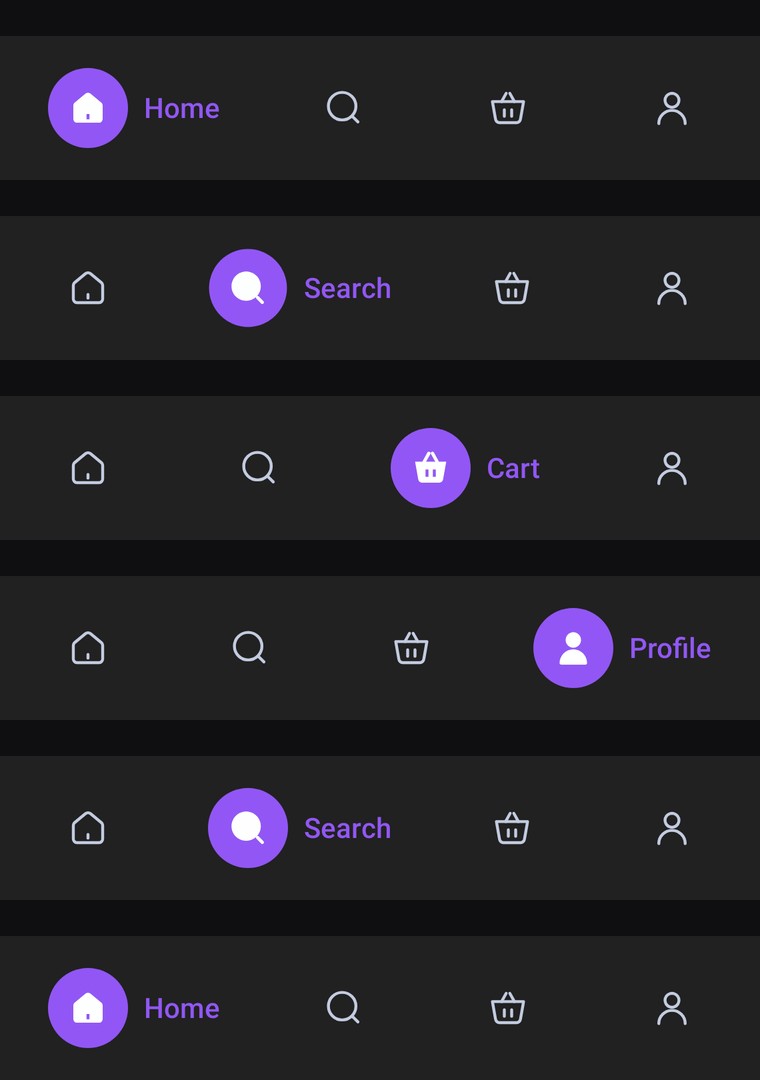
Docs / Overview
Getting started
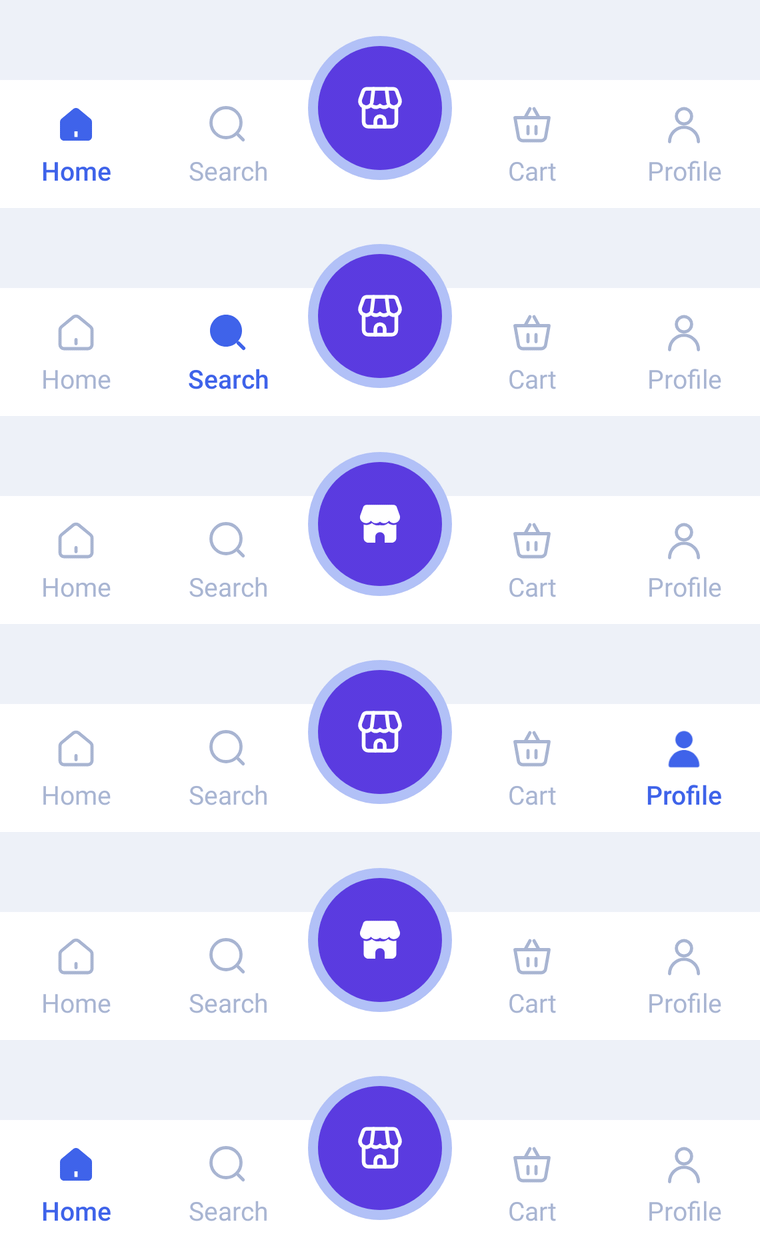
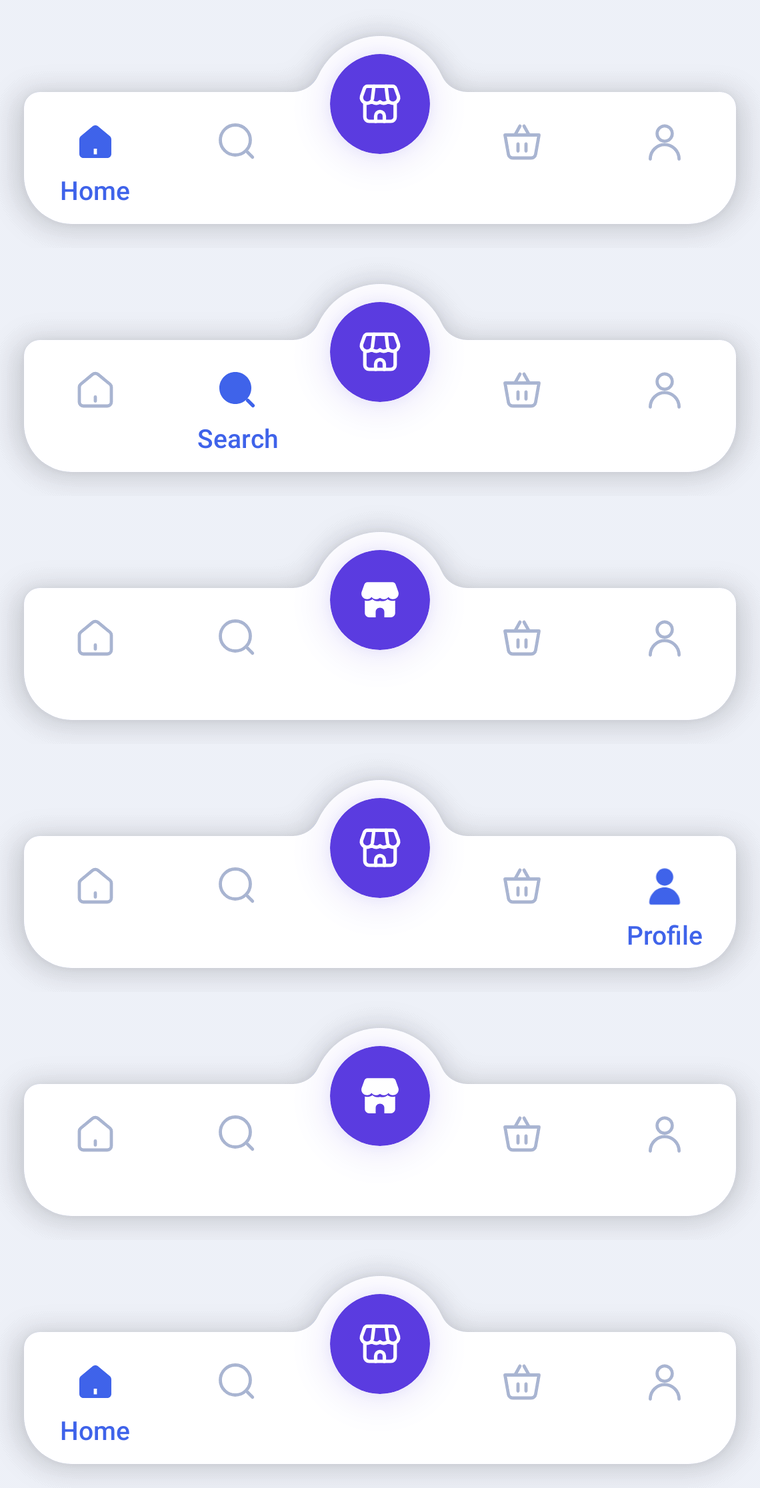
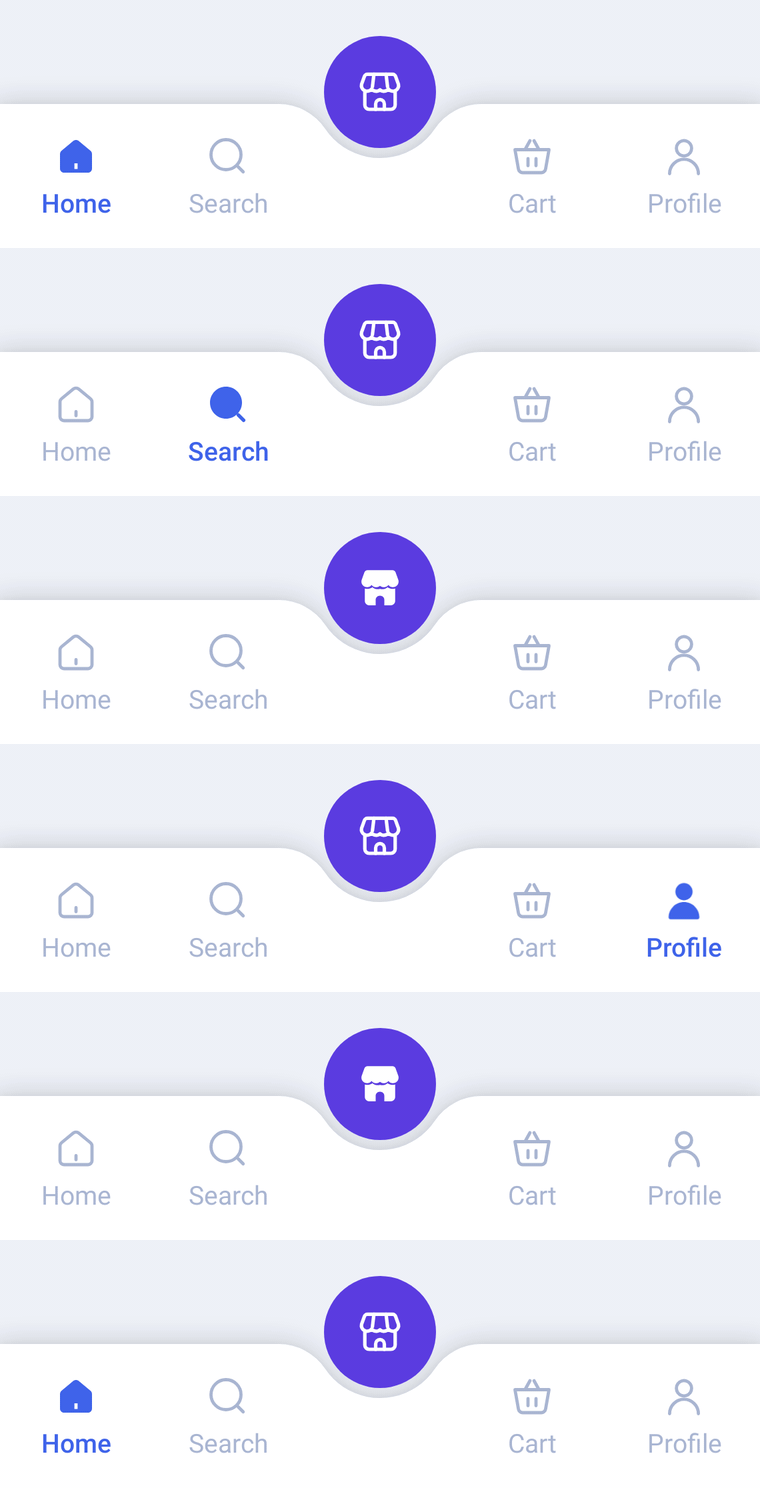
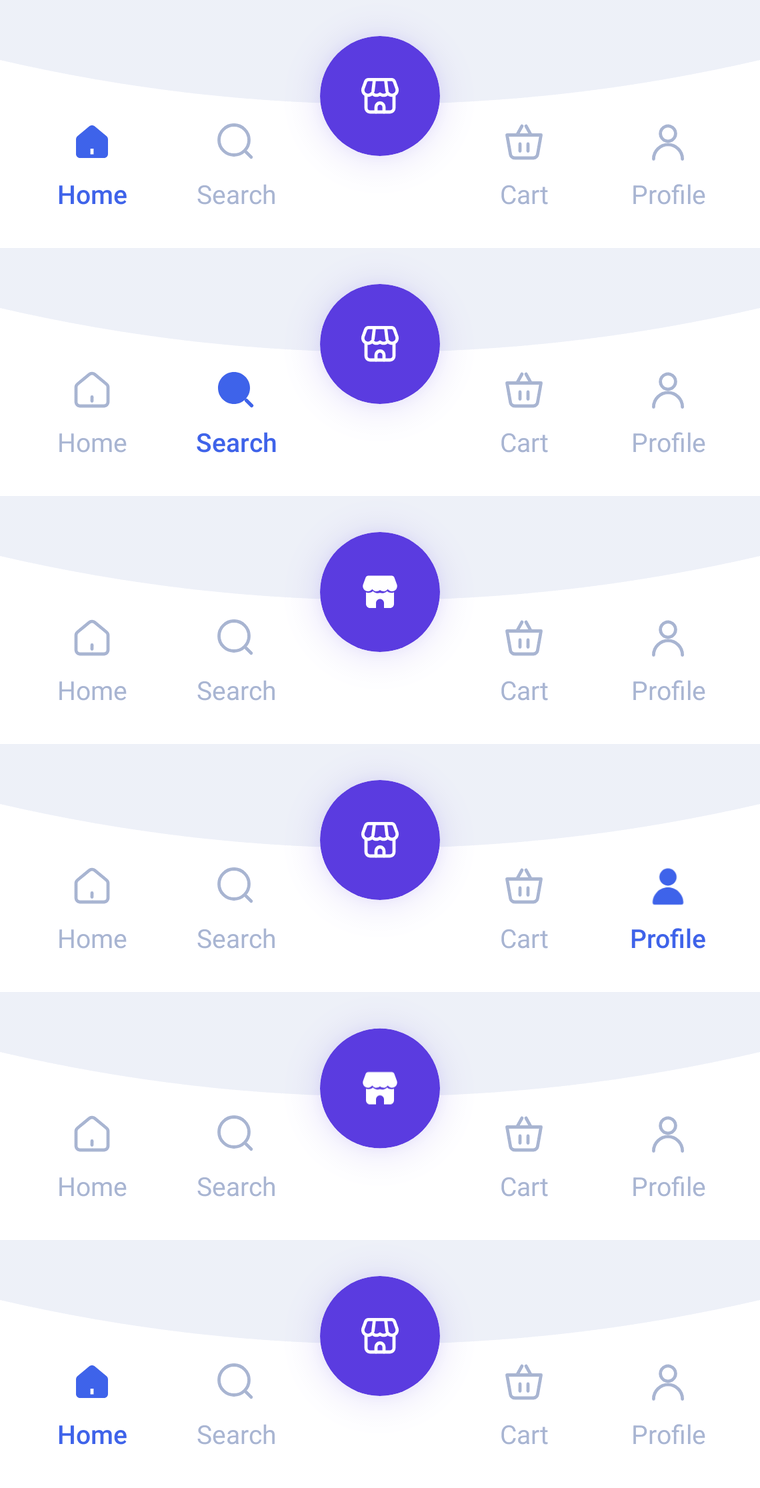
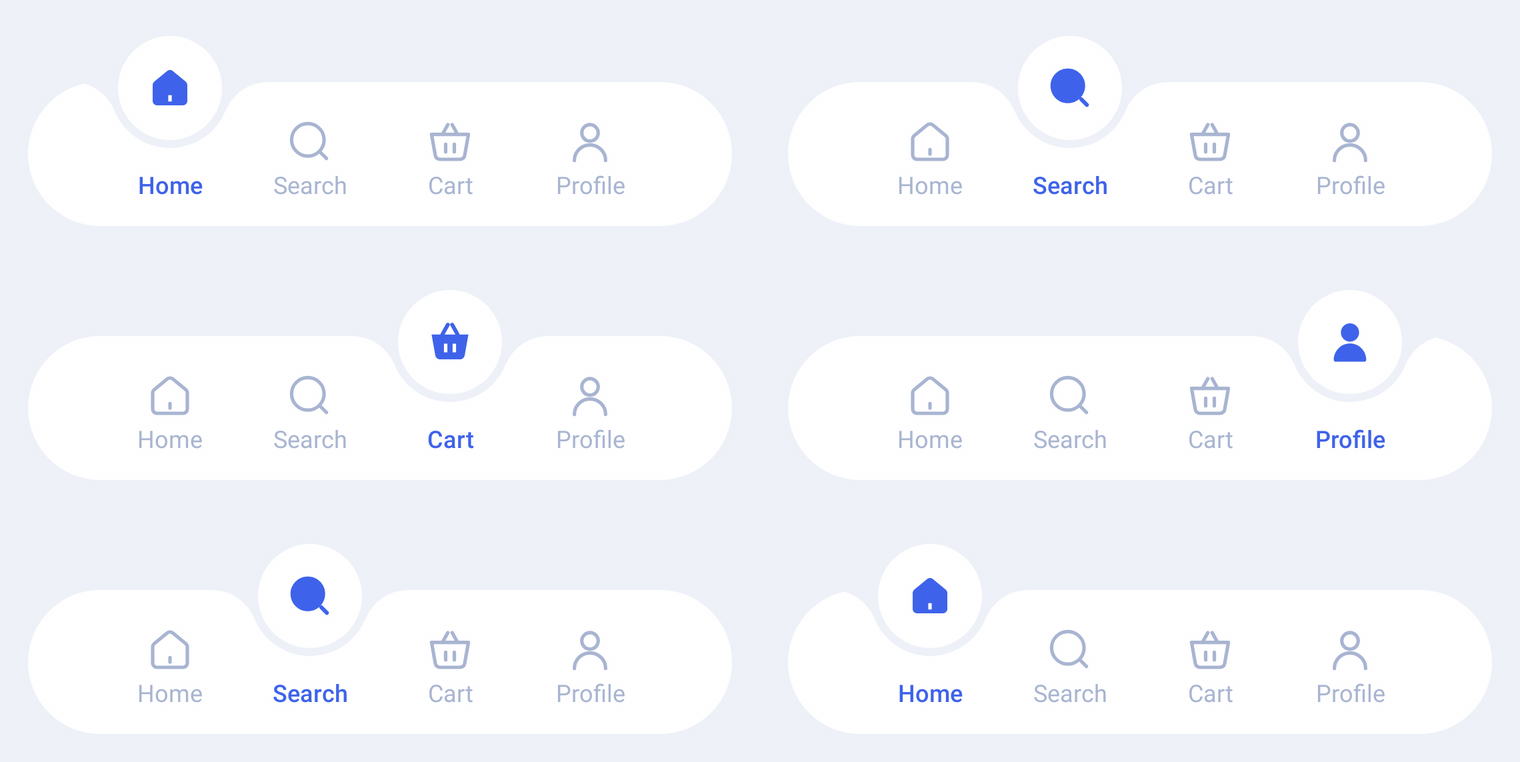
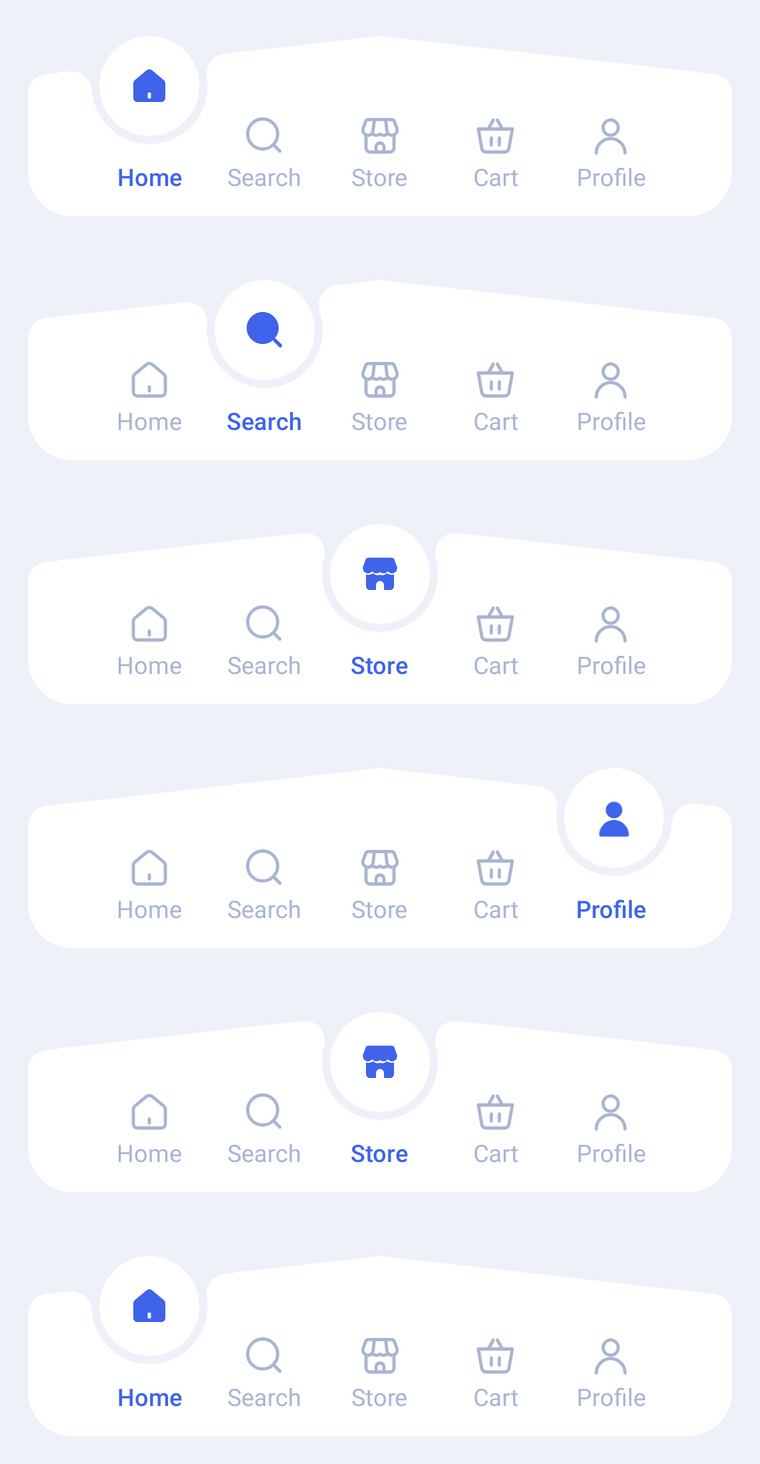
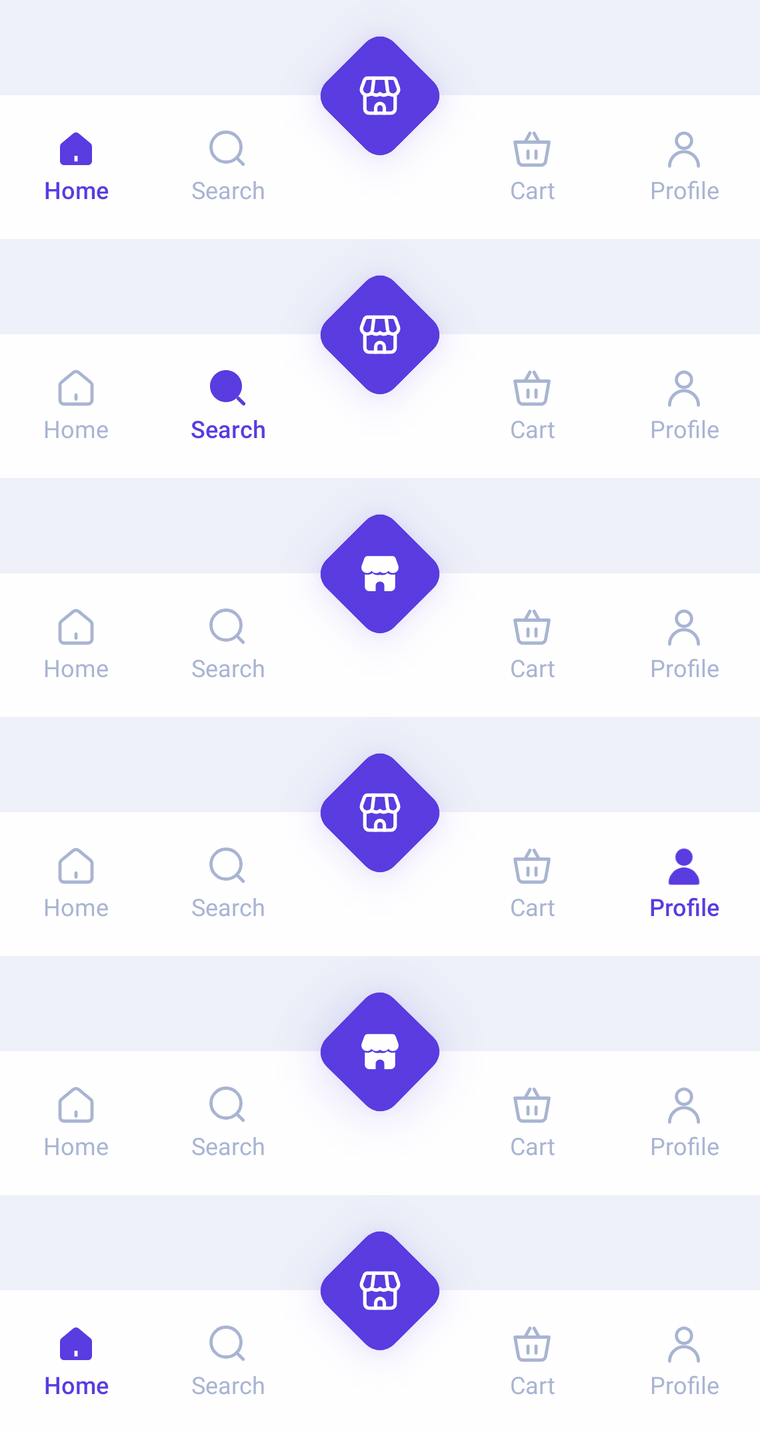
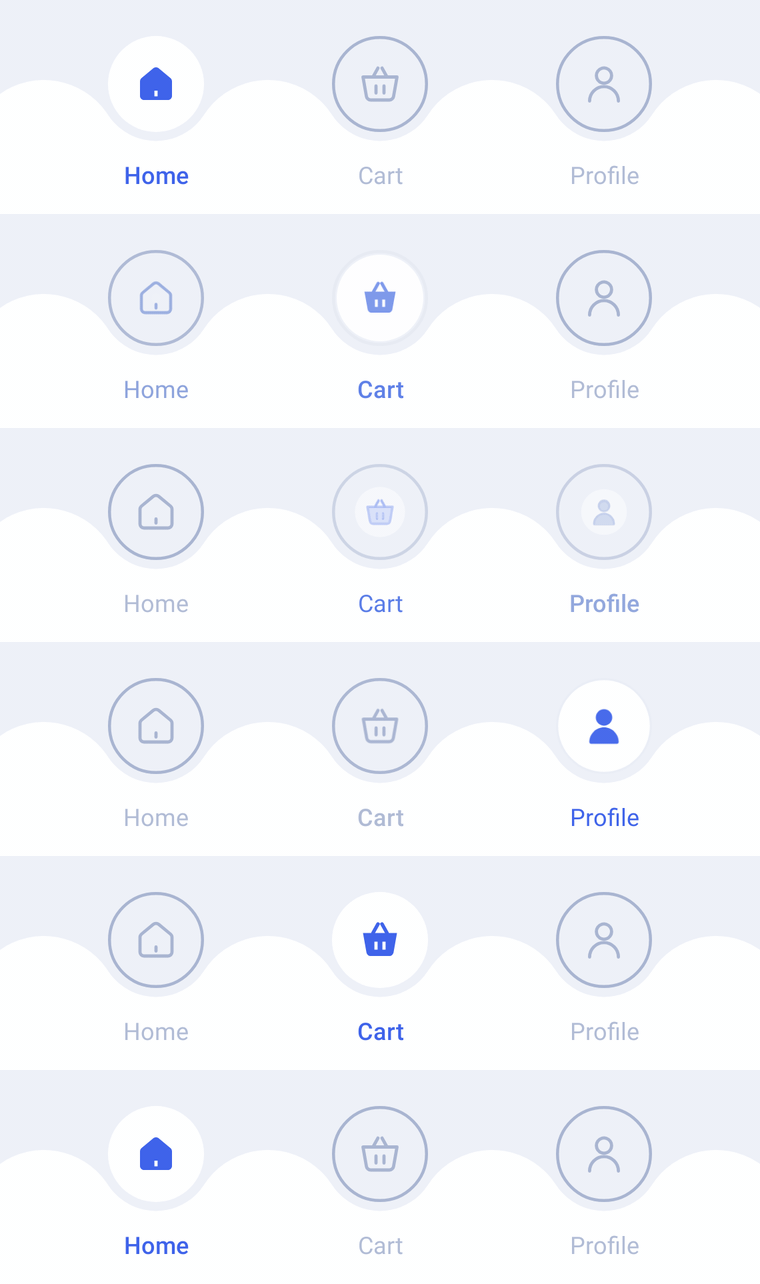
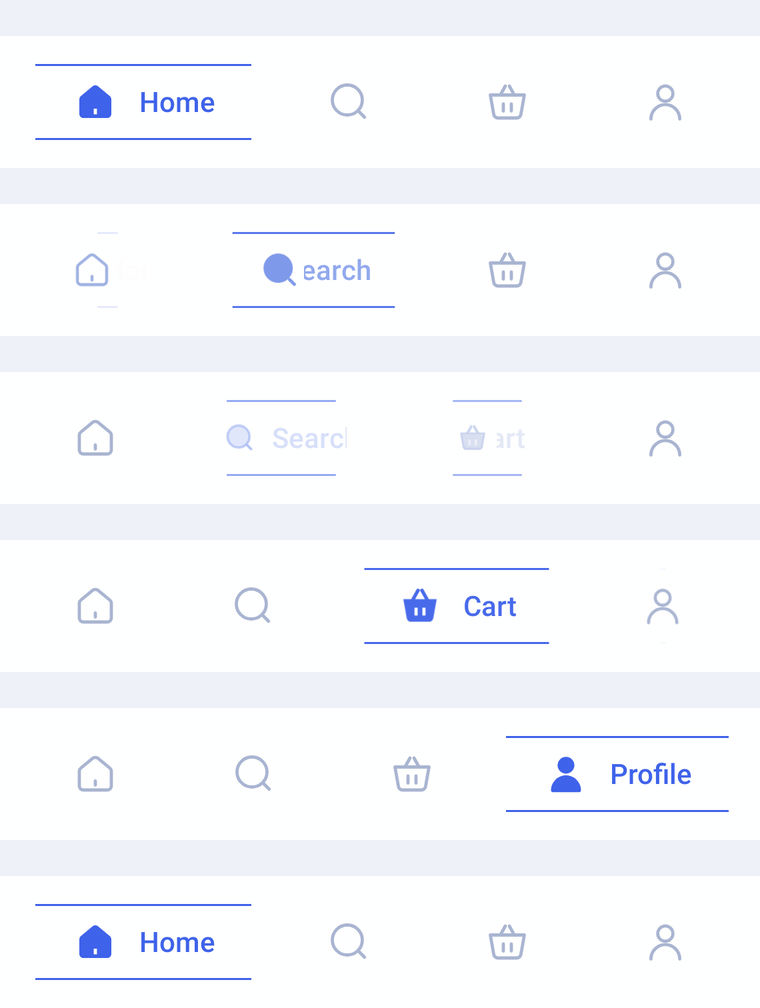
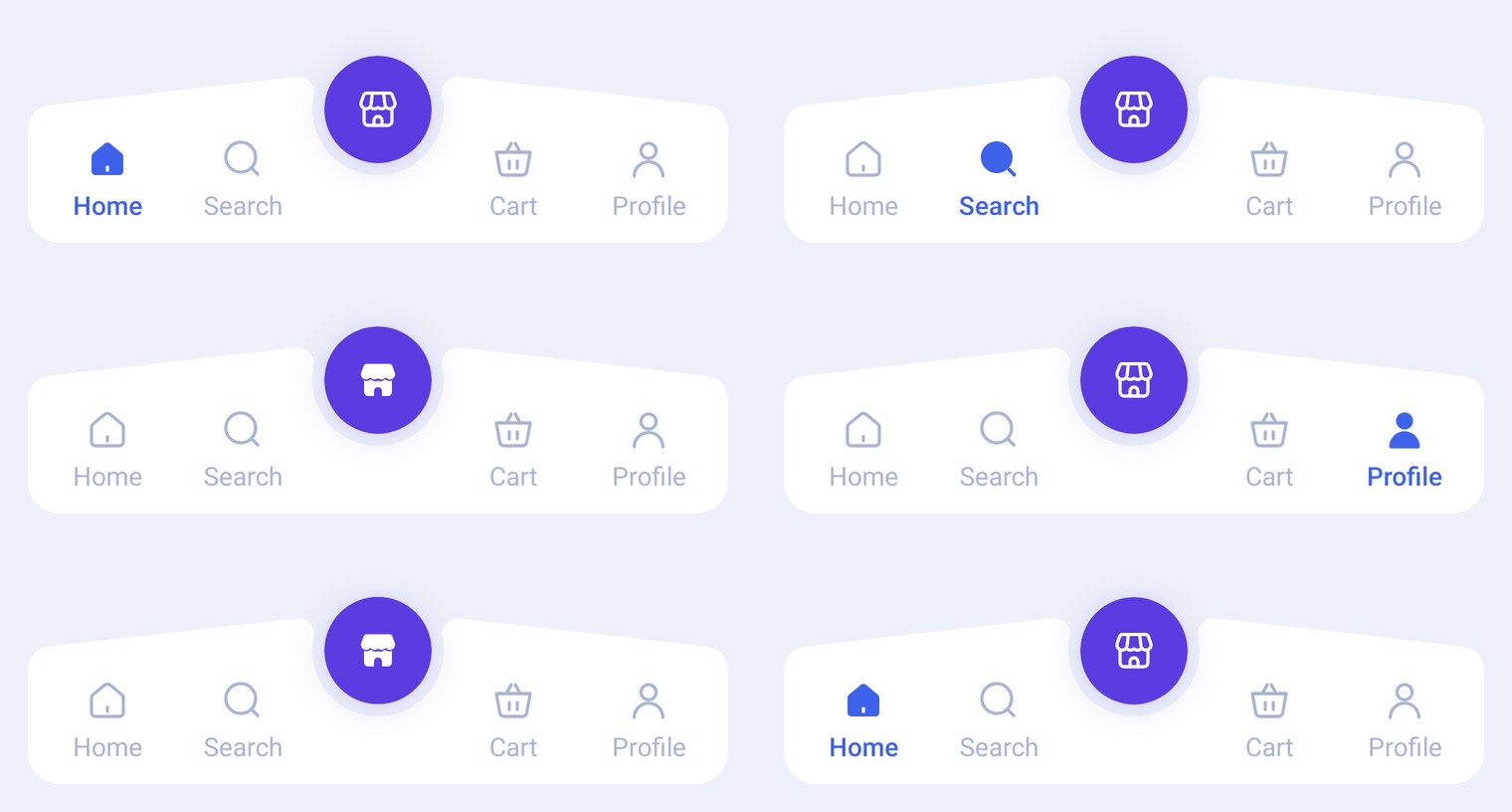
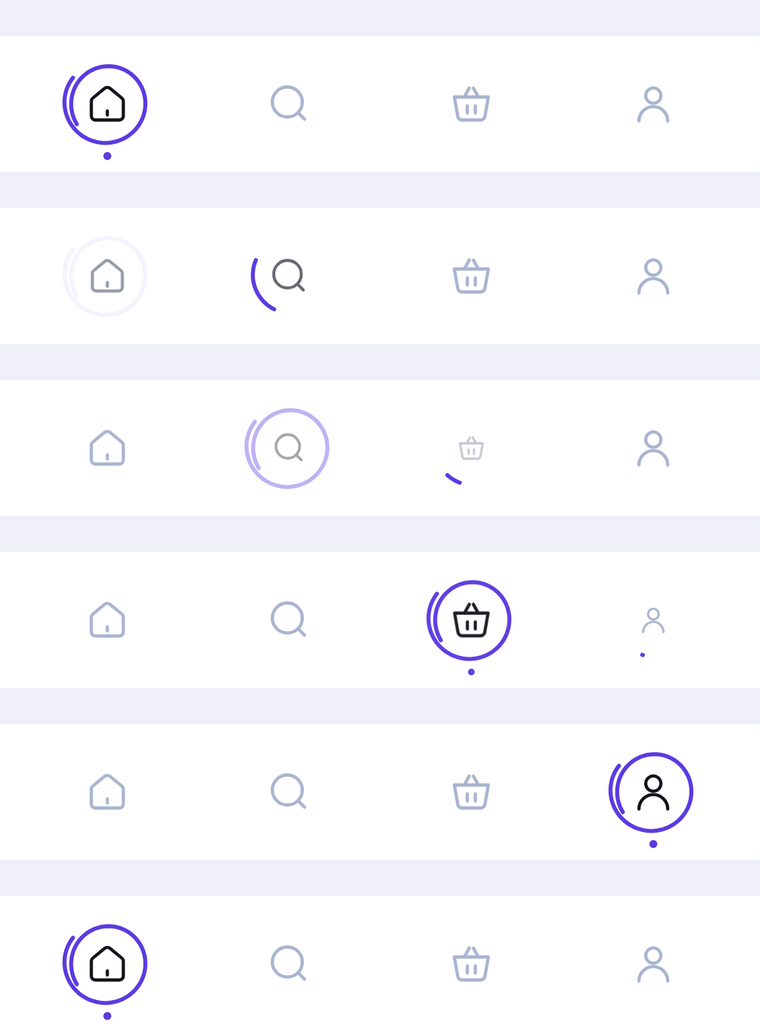
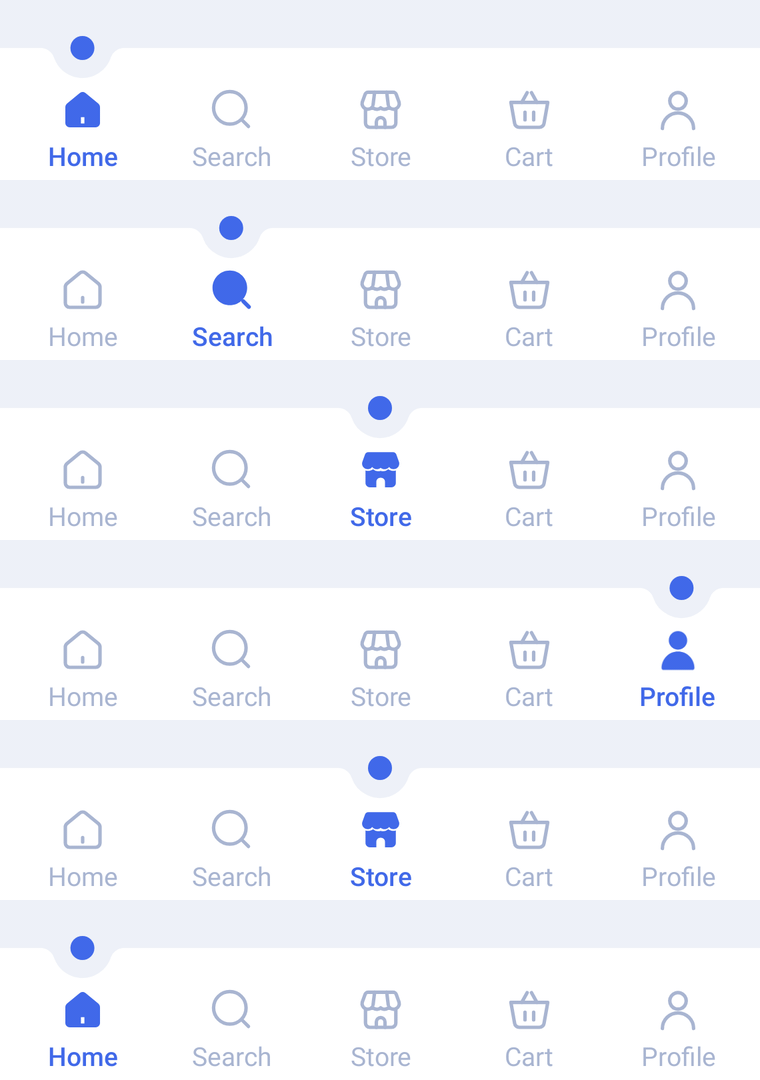
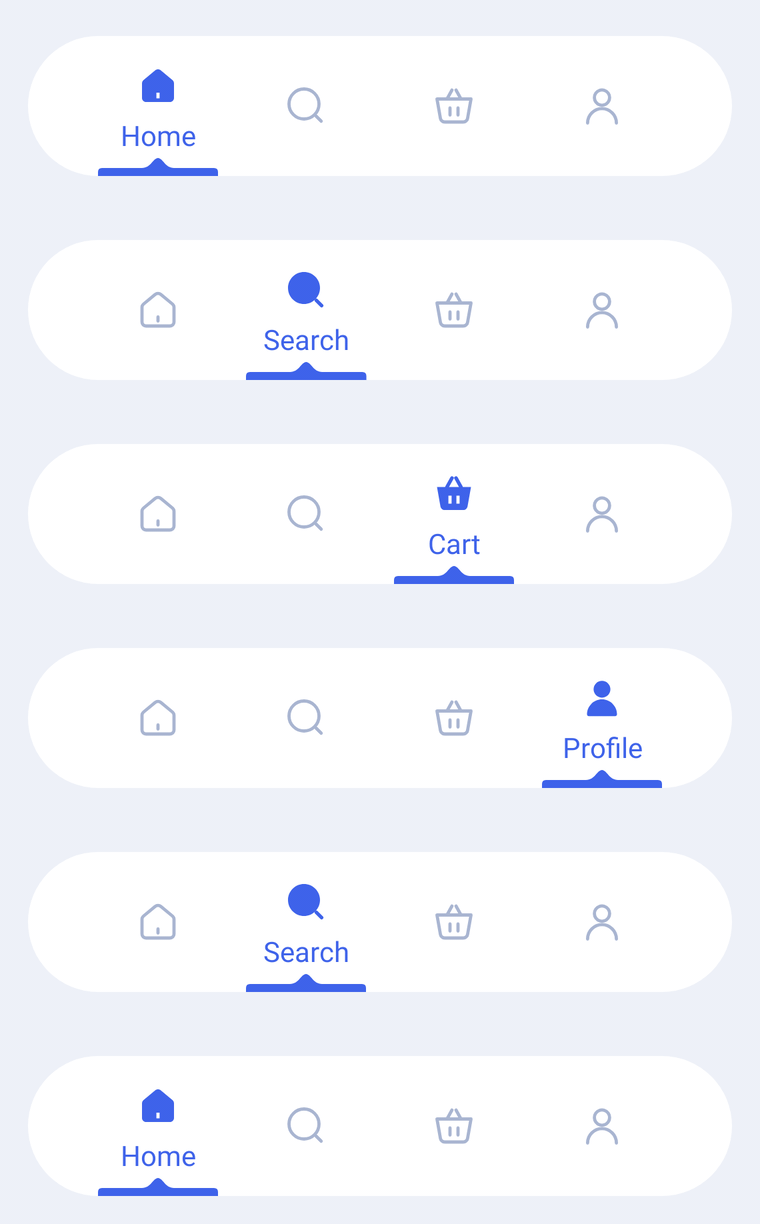
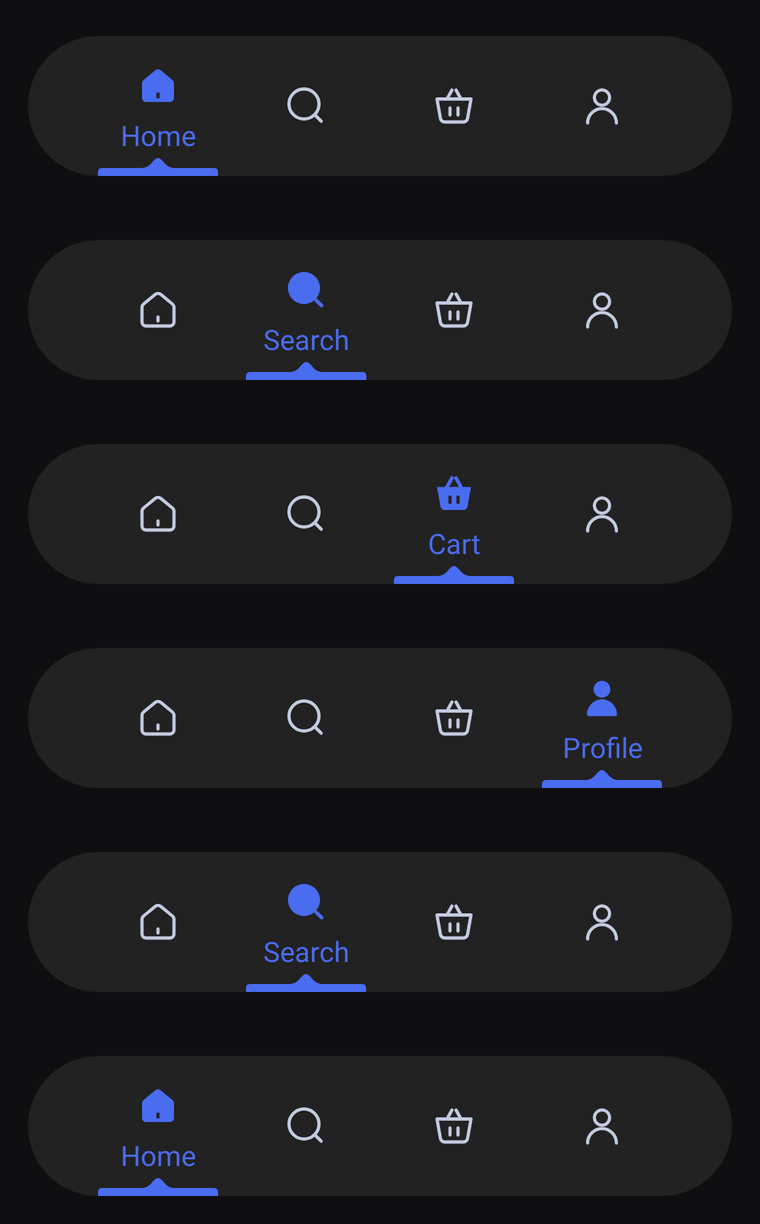
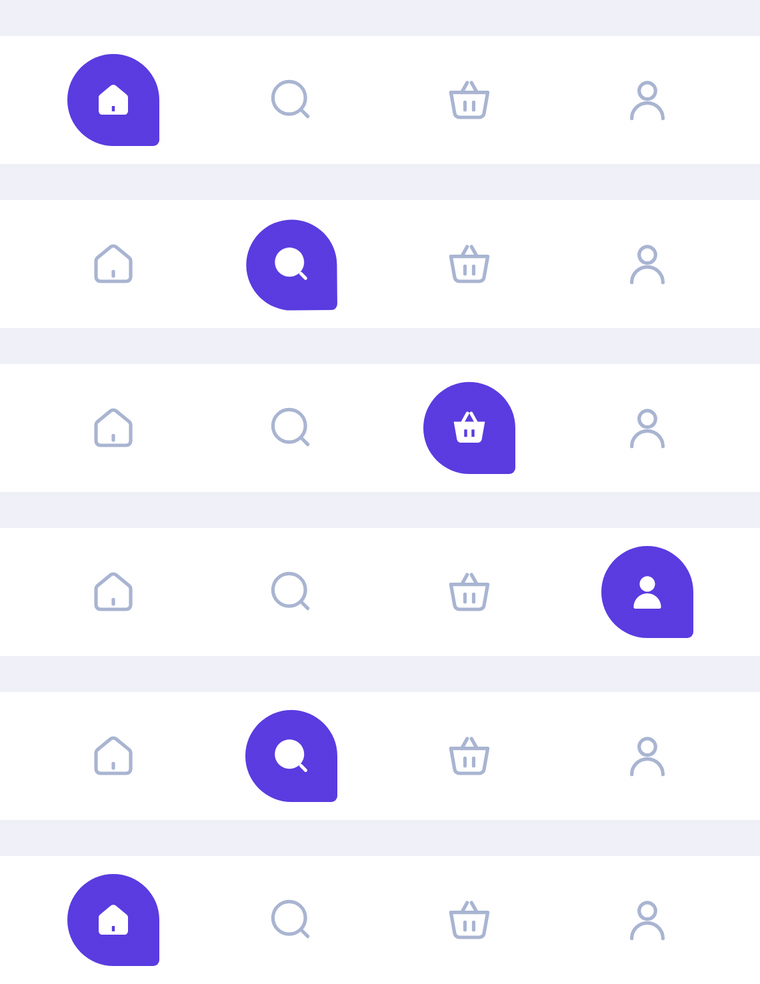
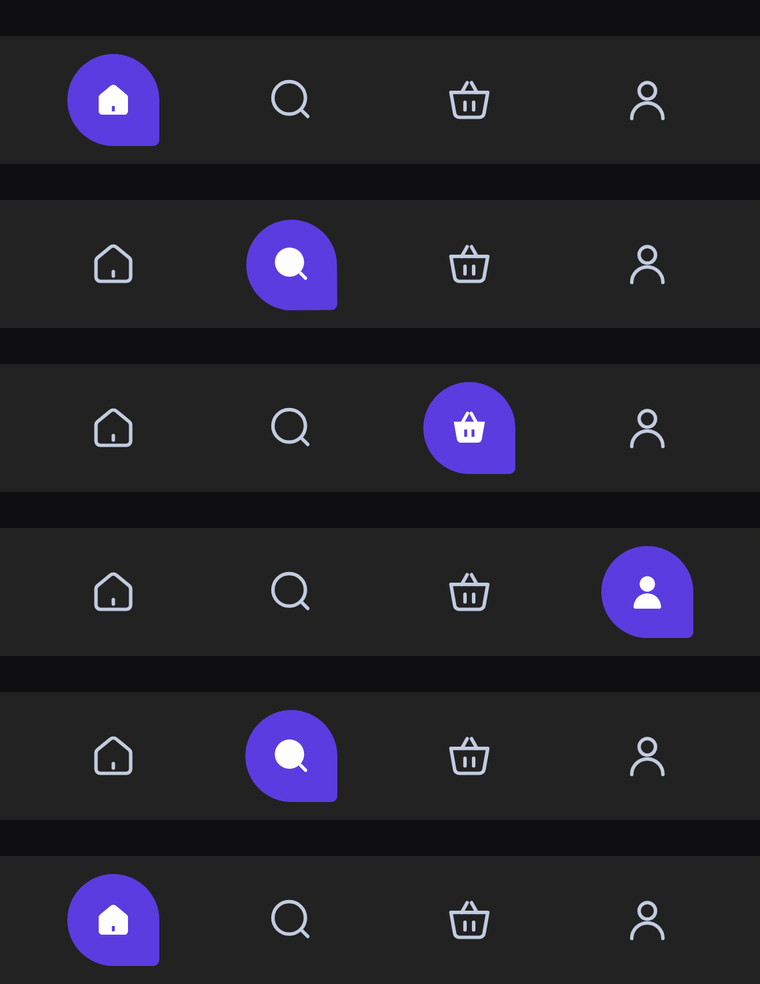
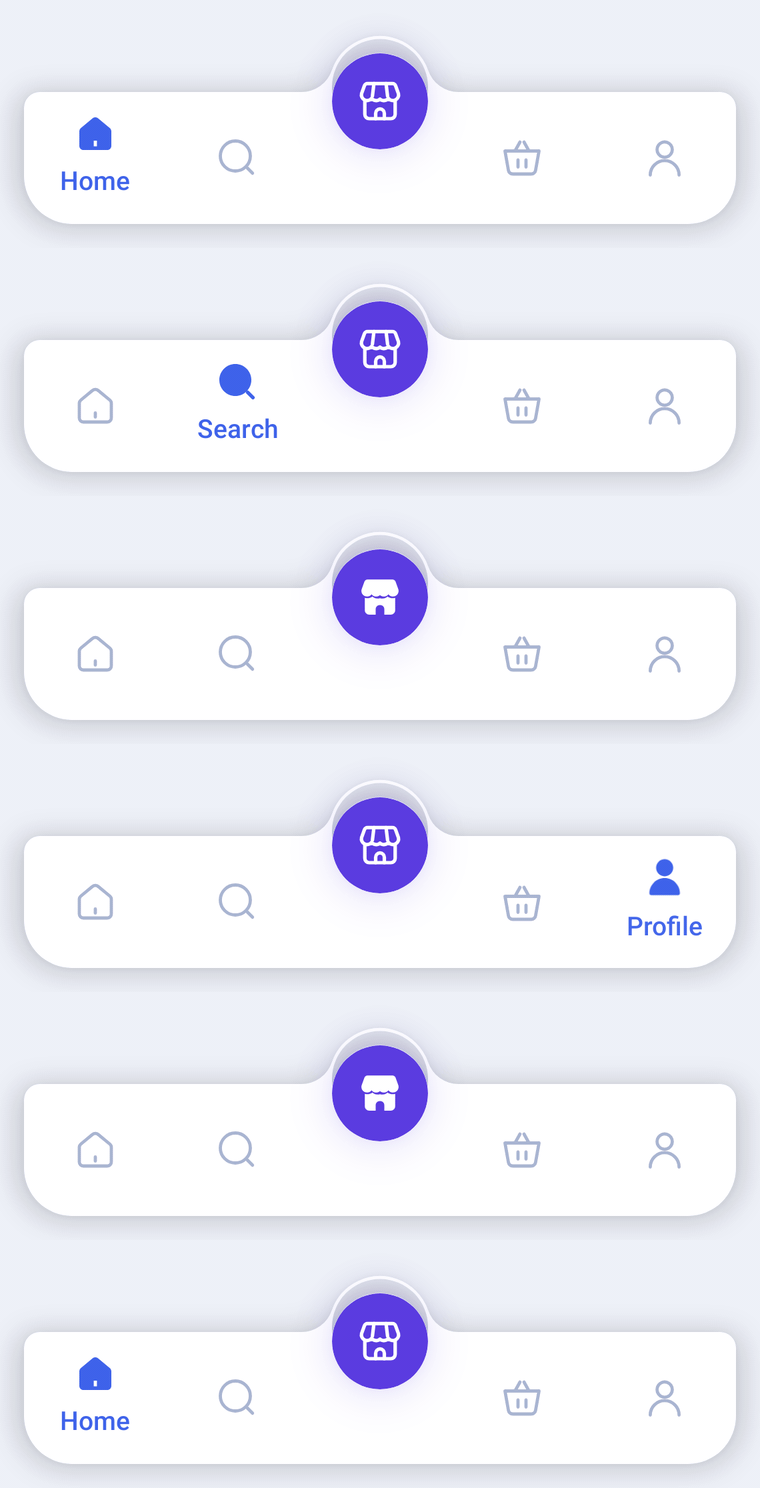
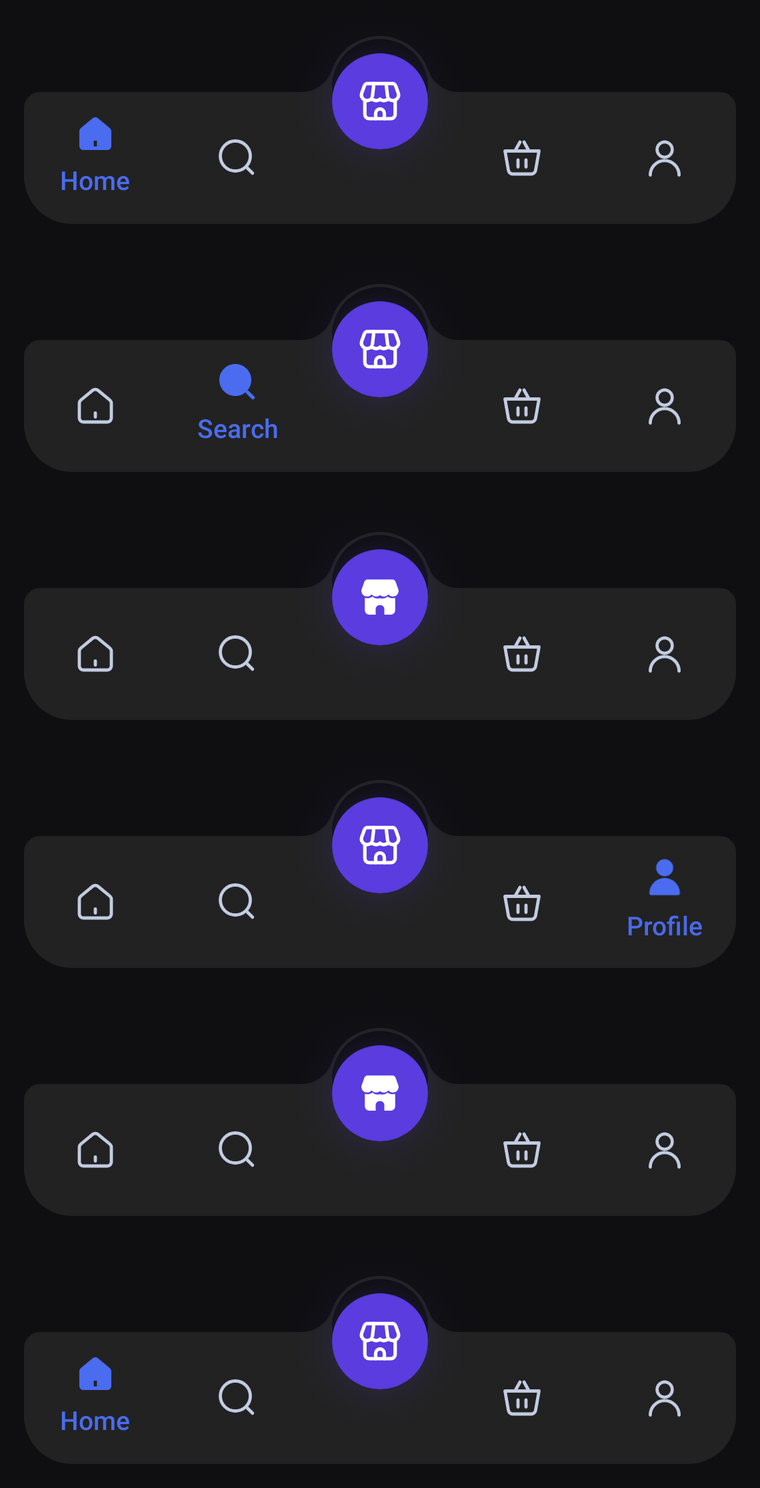
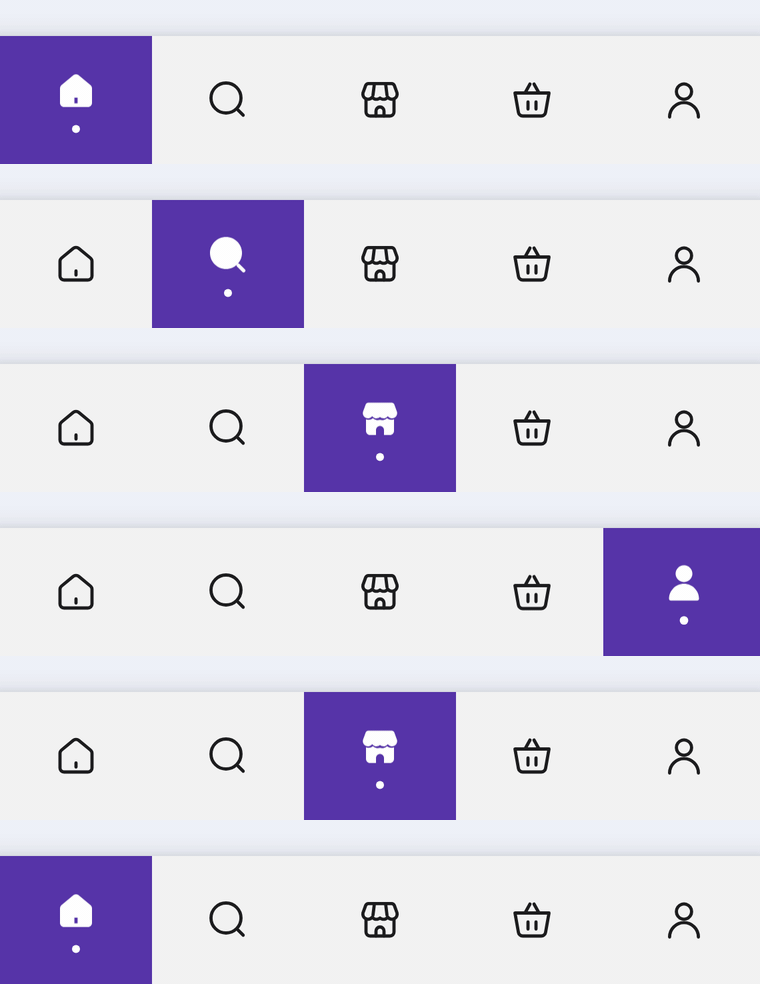
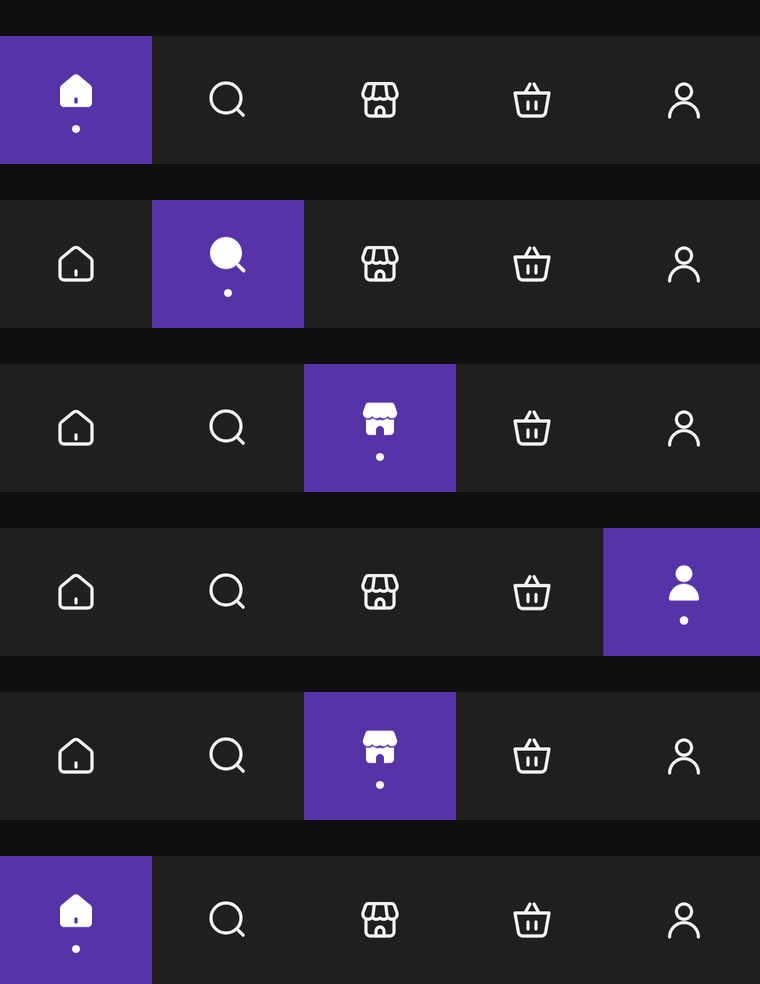
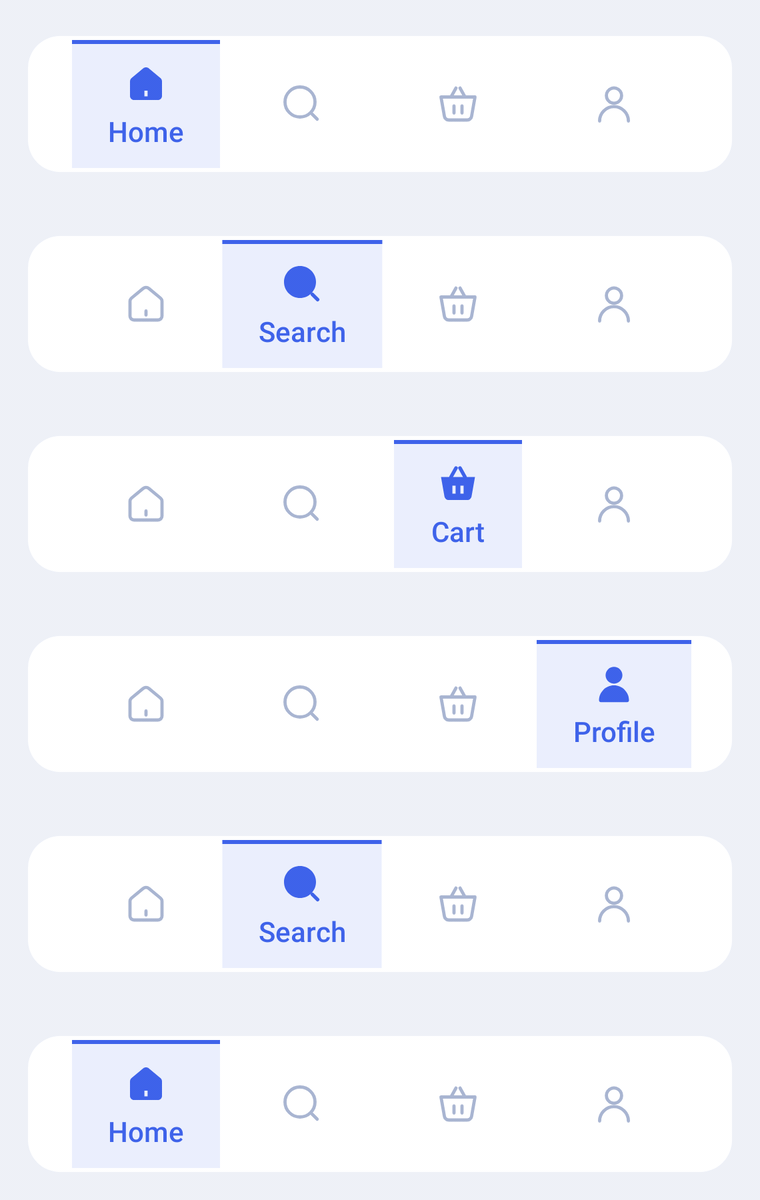
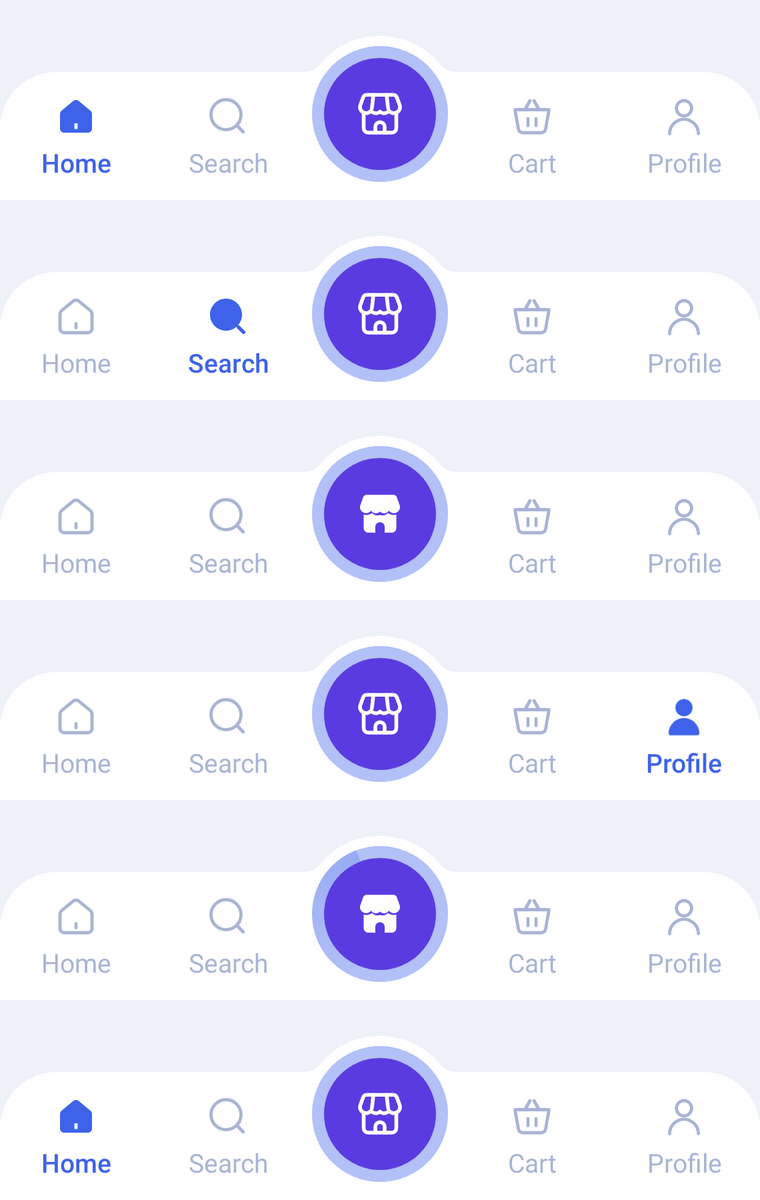
Every bar in Compose Bottombar shares one shape of API: a list of XxxBarItems, the selected index and a click callback. Learn it once here, then pick a bar from the sidebar.
Installation
Compose Bottombar is published on Maven Central. No extra repository is needed, just make sure mavenCentral() is listed (new Android projects include it by default):
// settings.gradle.kts
dependencyResolutionManagement {
    repositories {
        google()
        mavenCentral()
    }
}
Then add the dependency:
// app/build.gradle.kts
dependencies {
    implementation("io.github.nameisjayant:compose-bottombar:0.1.0")
}[versions]
composeBottombar = "0.1.0"
[libraries]
compose-bottombar = { group = "io.github.nameisjayant", name = "compose-bottombar", version.ref = "composeBottombar" }Basic usage
Each item takes a label, an icon and an optional selectedIcon (usually the filled twin of the outlined icon). Any ImageVector works. Keep the selected index in state and update it from onItemClick:
var selectedIndex by rememberSaveable { mutableIntStateOf(0) }

Scaffold(
    bottomBar = {
        HaloBottomBar(
            items = items,
            selectedIndex = selectedIndex,
            onItemClick = { selectedIndex = it },
        )
    },
) { innerPadding ->
    // Your screen content
}
onItemClick also fires when the user taps the tab that is already selected, so you can scroll to the top or pop to the tab's root.
Light and dark
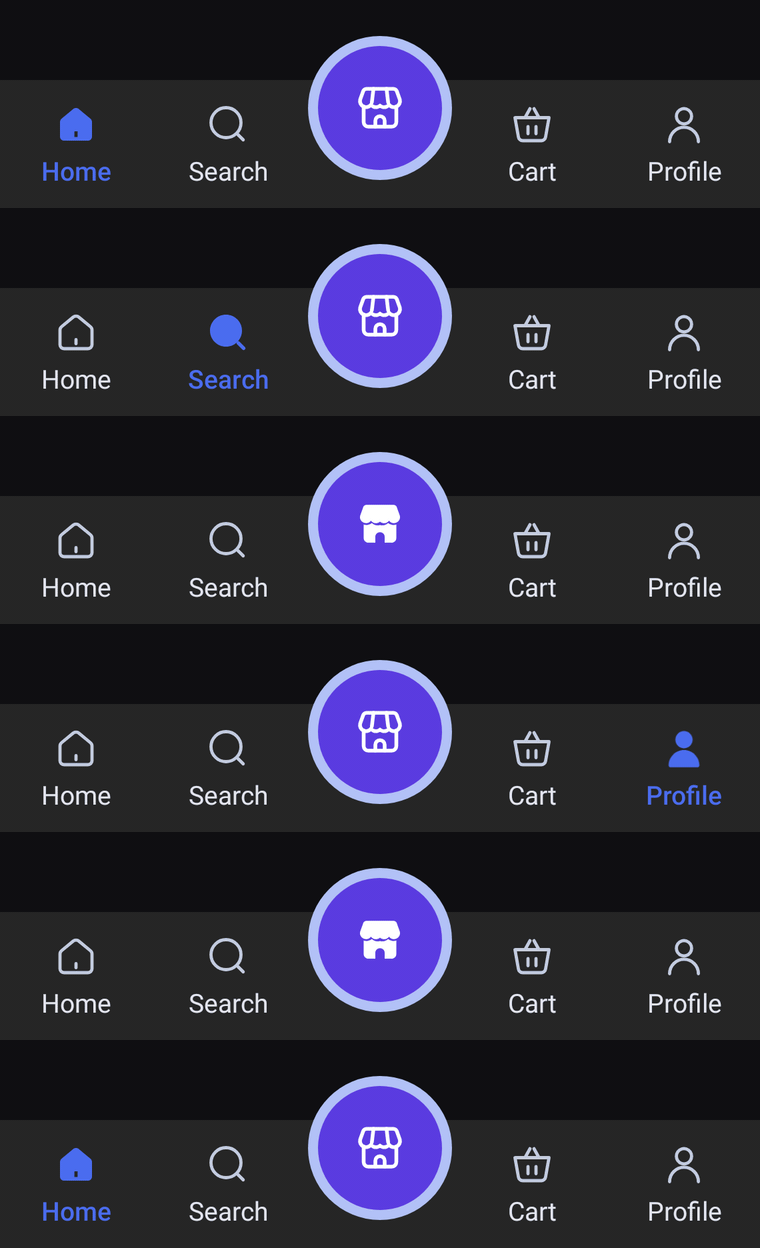
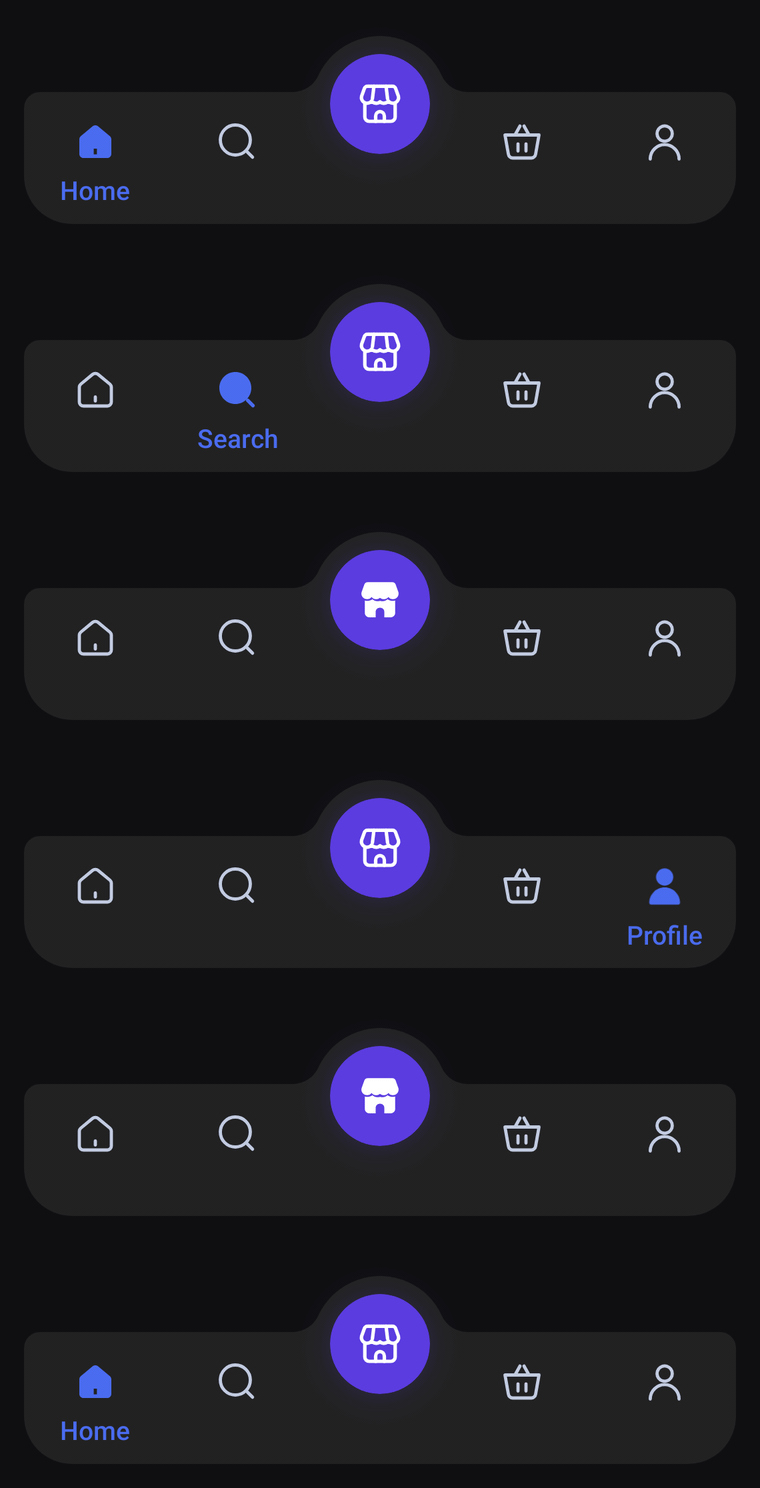
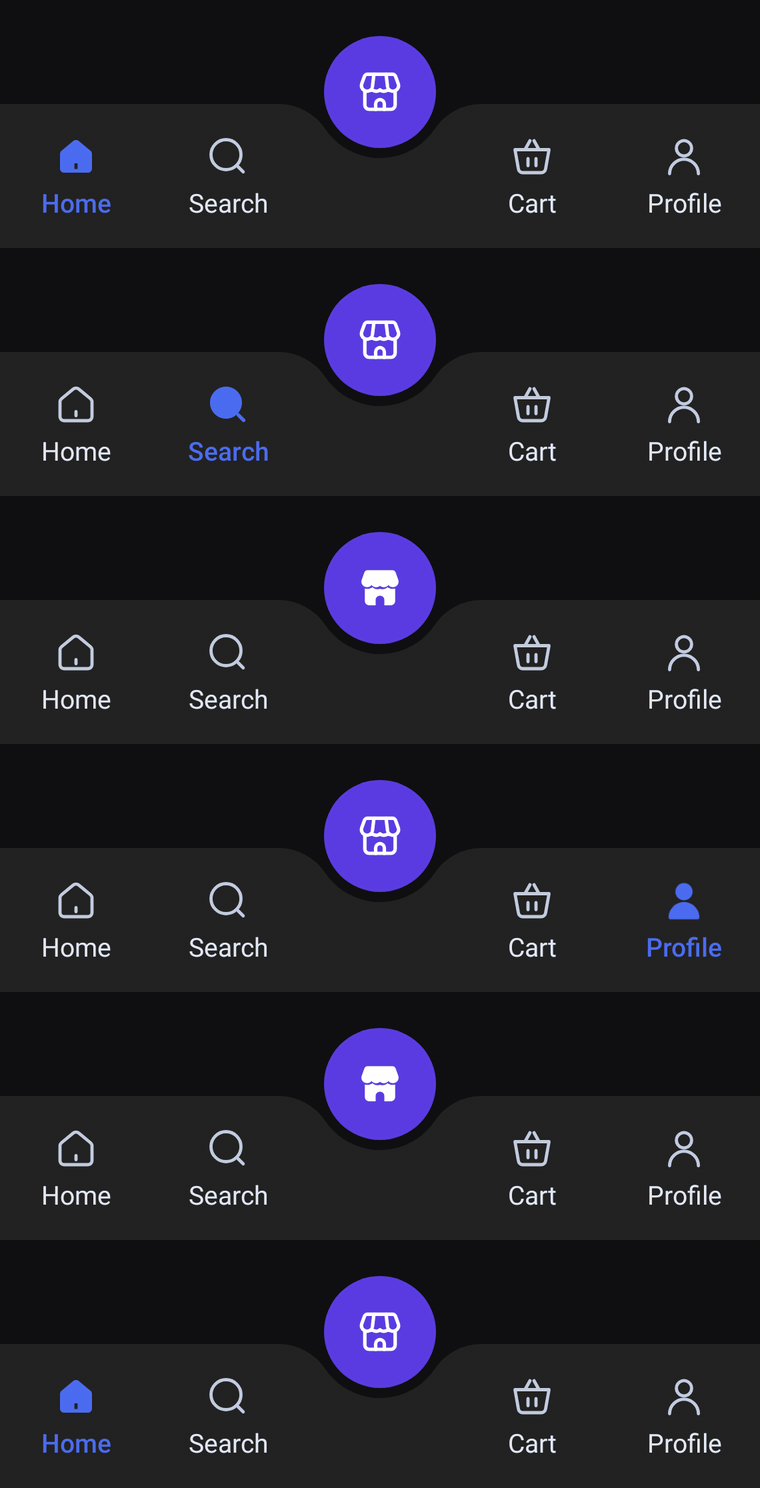
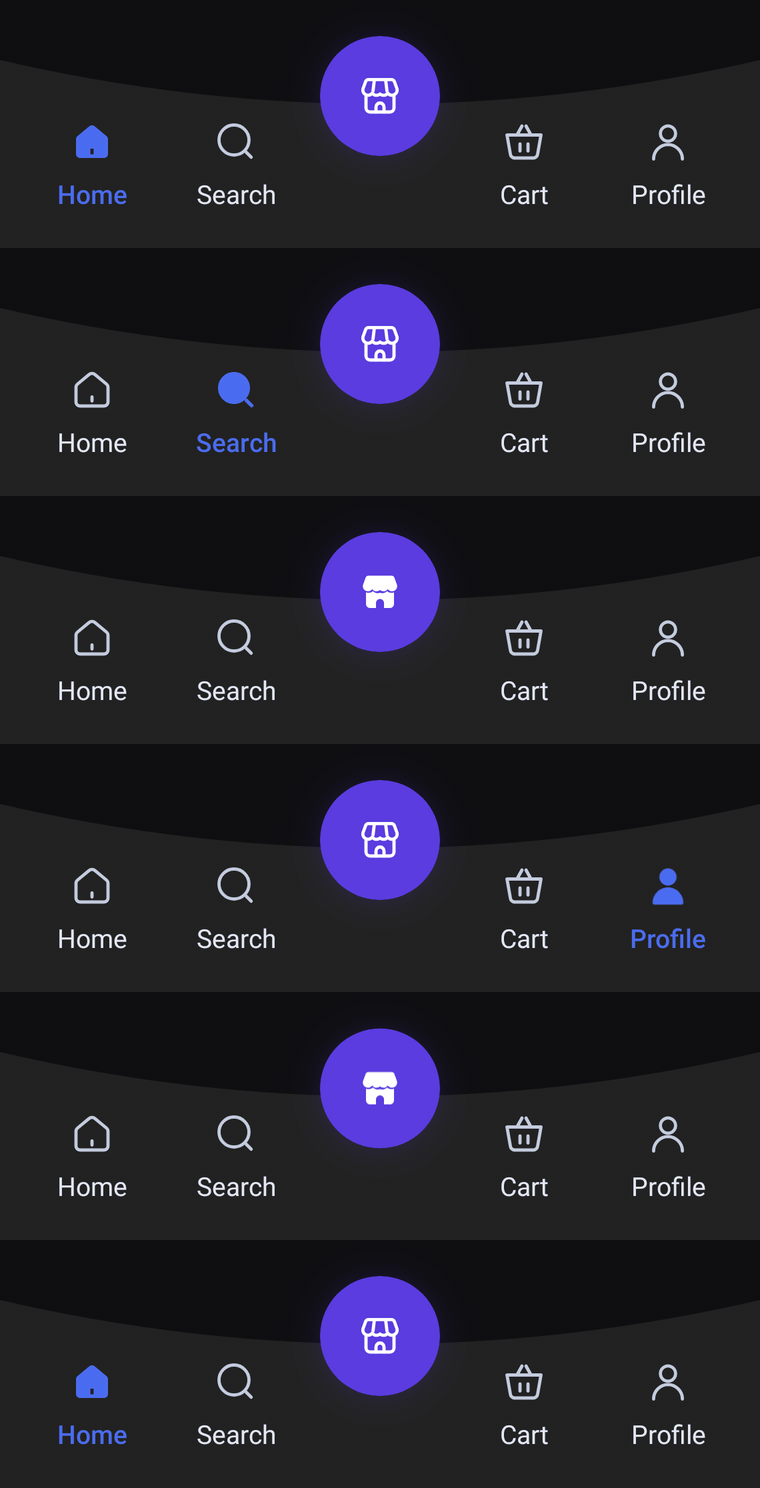
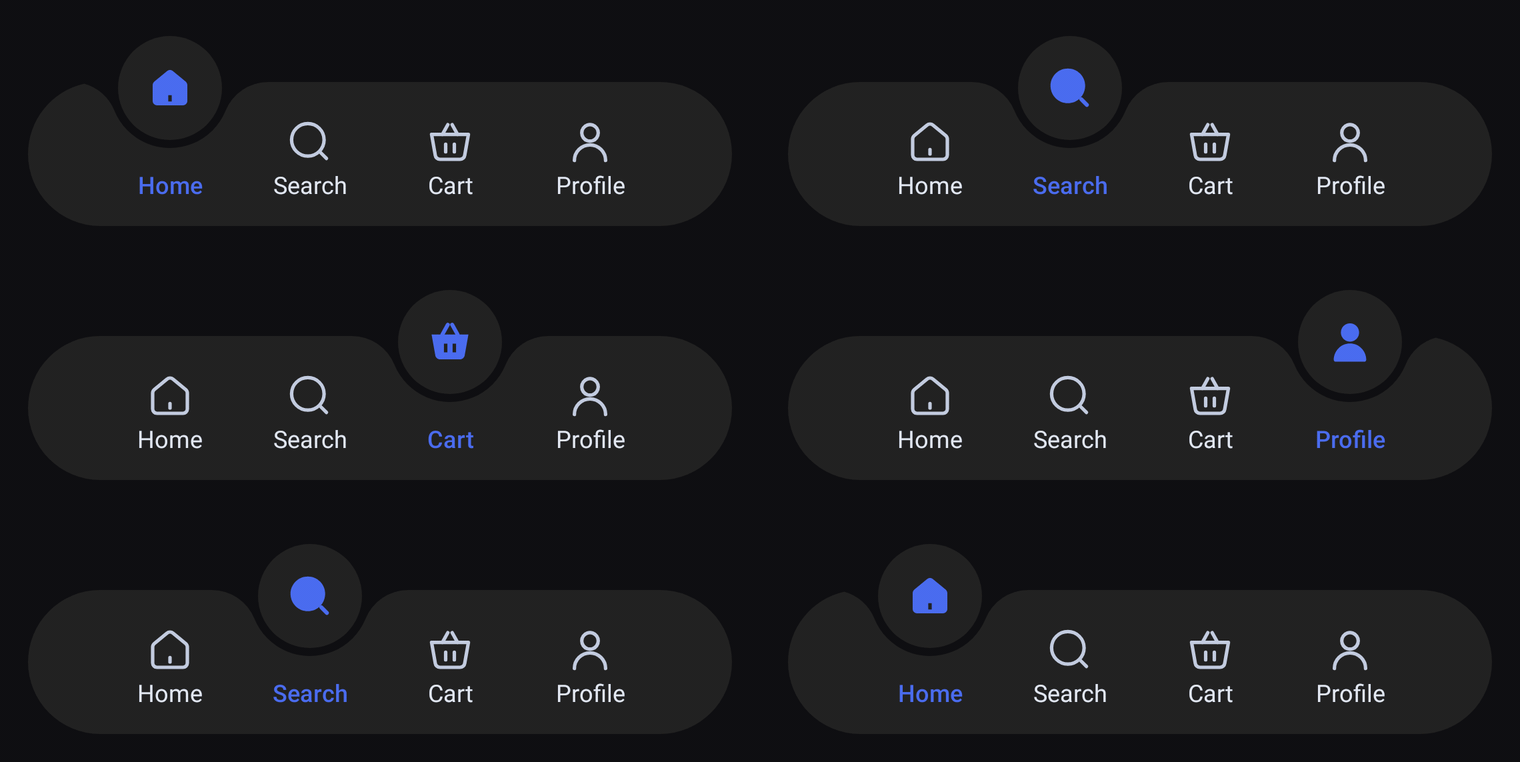
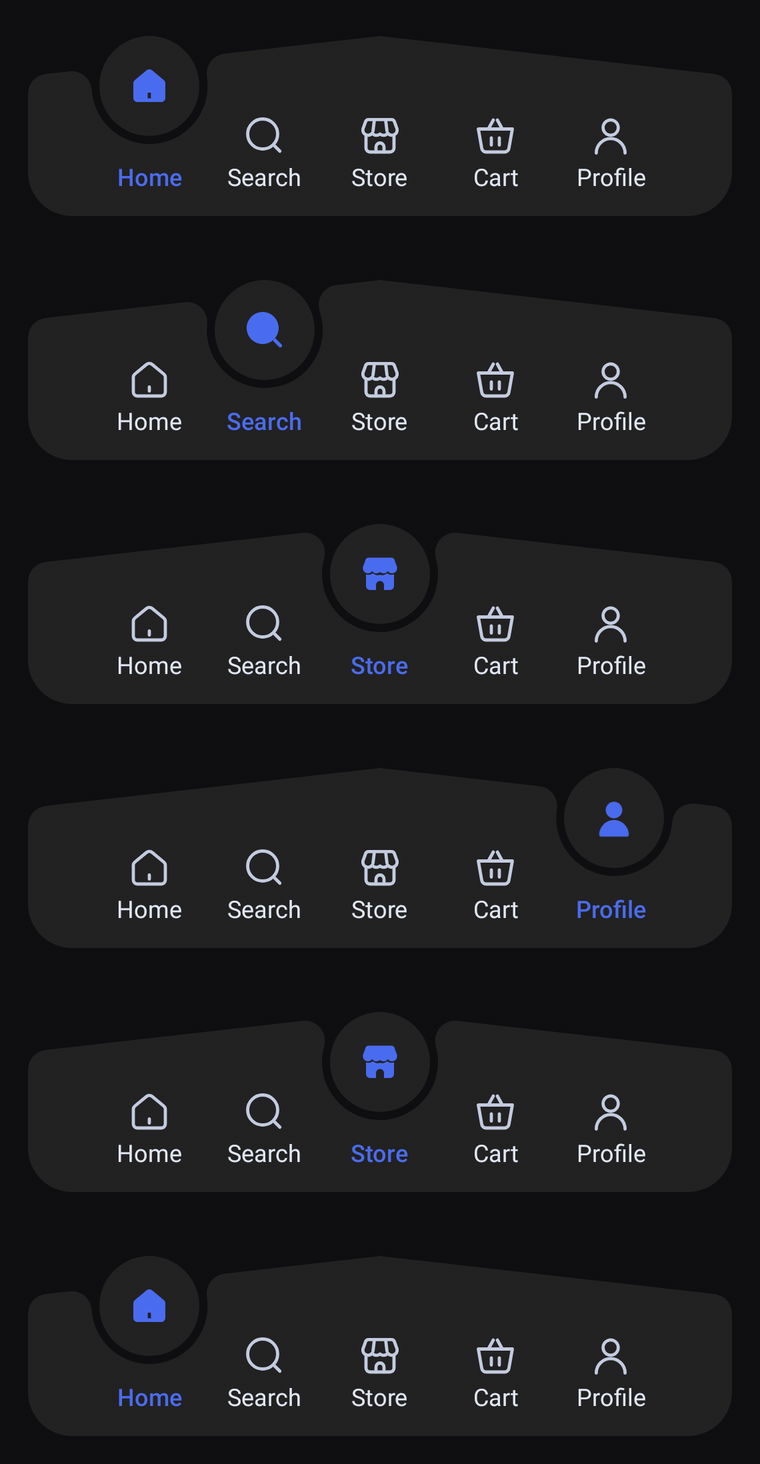
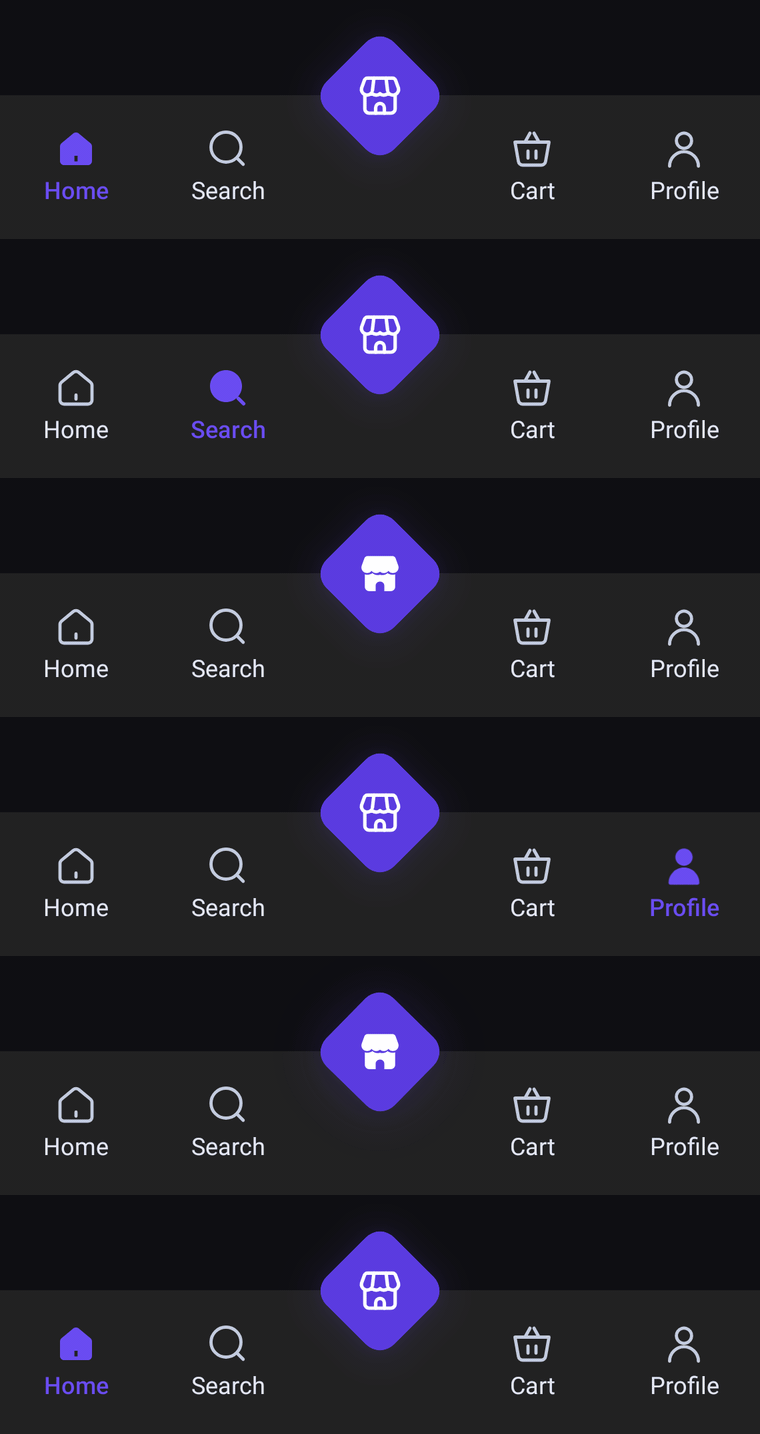
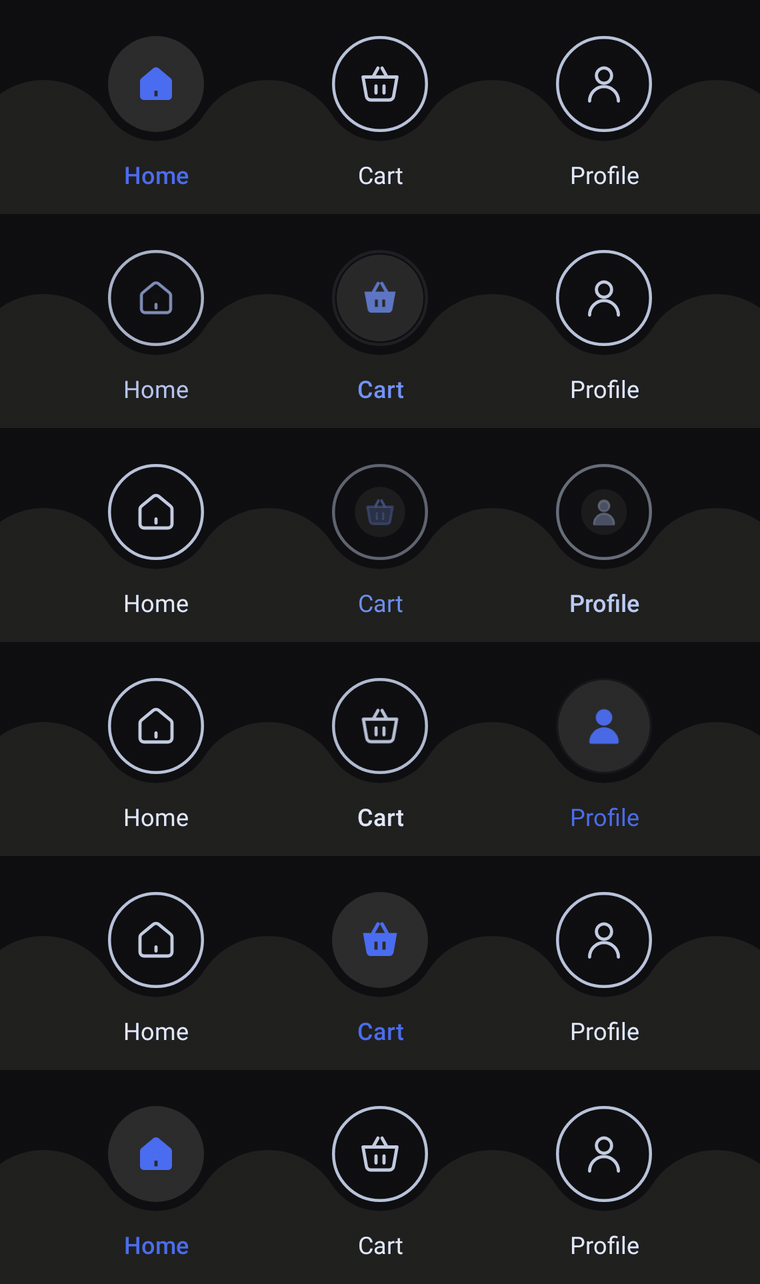
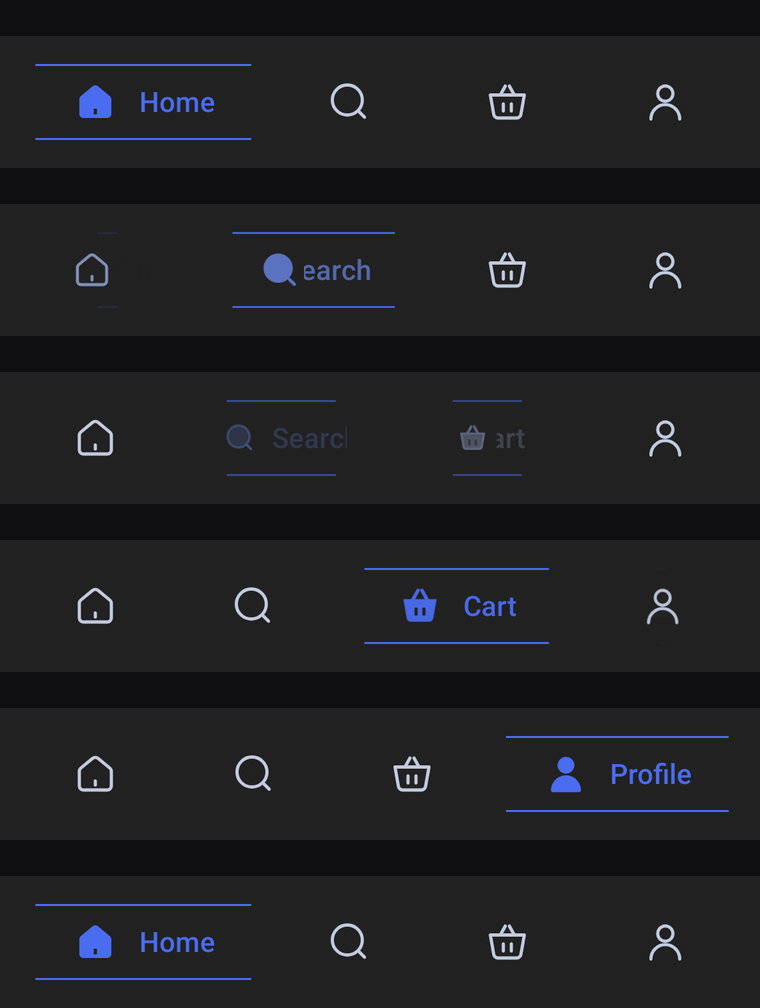
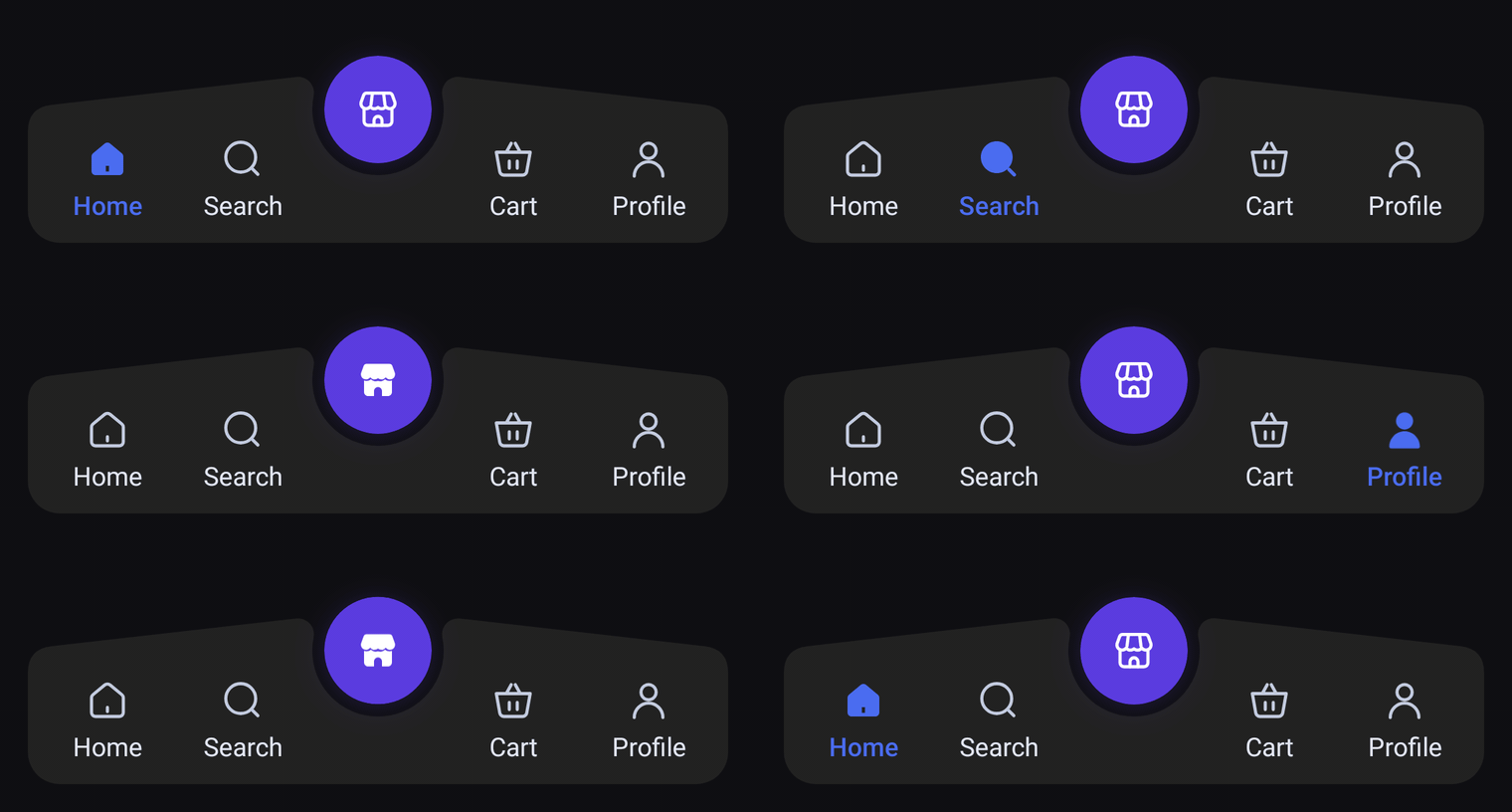
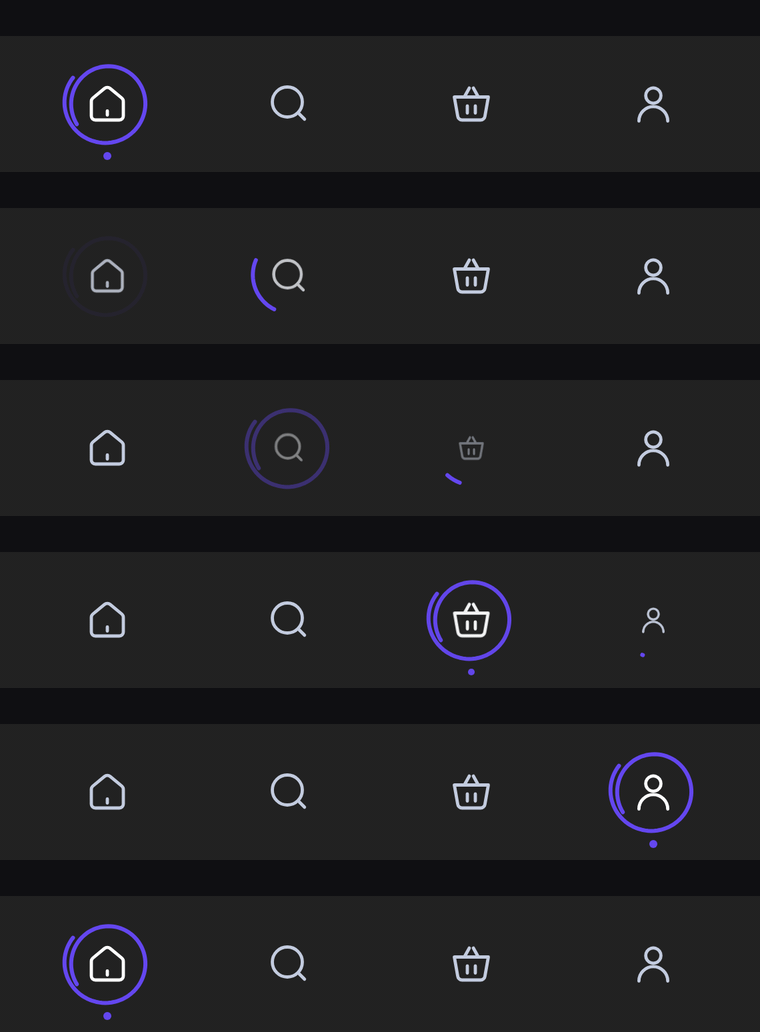
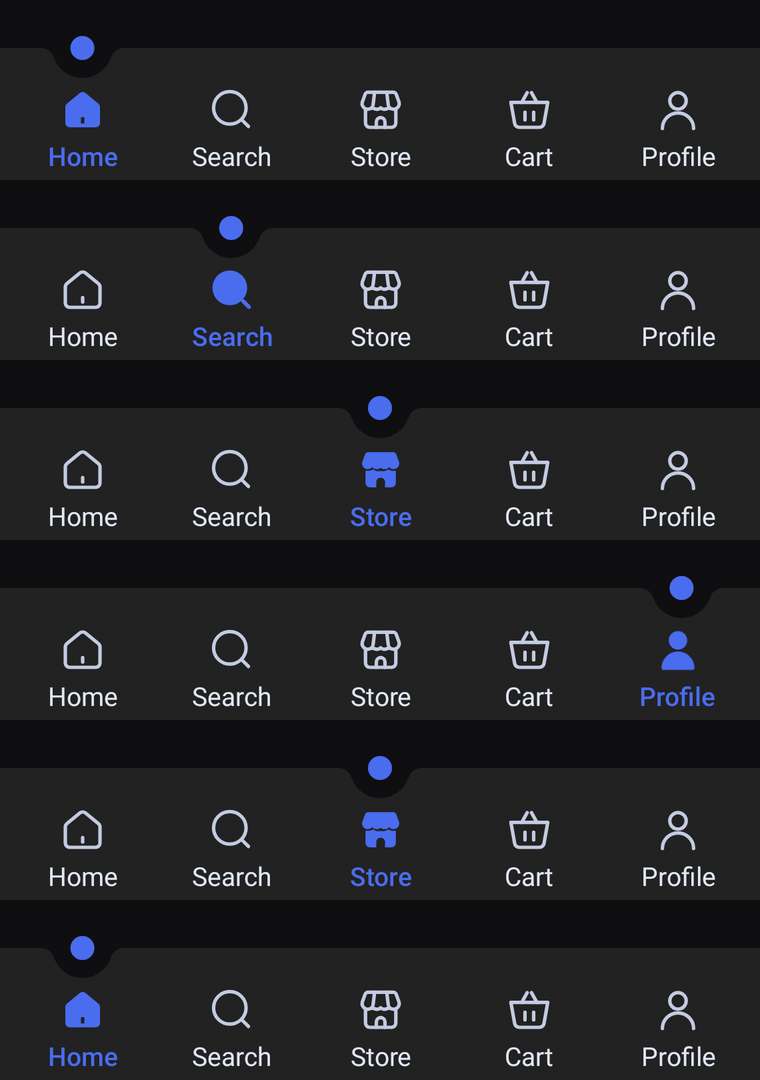
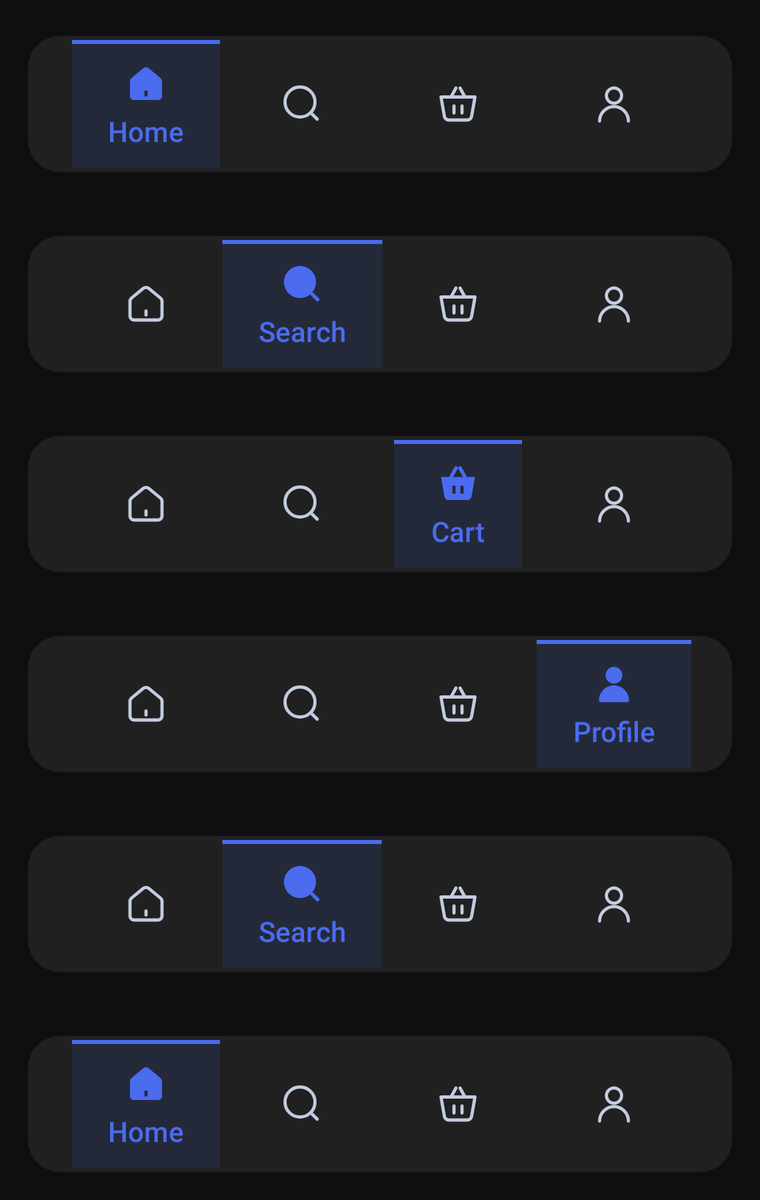
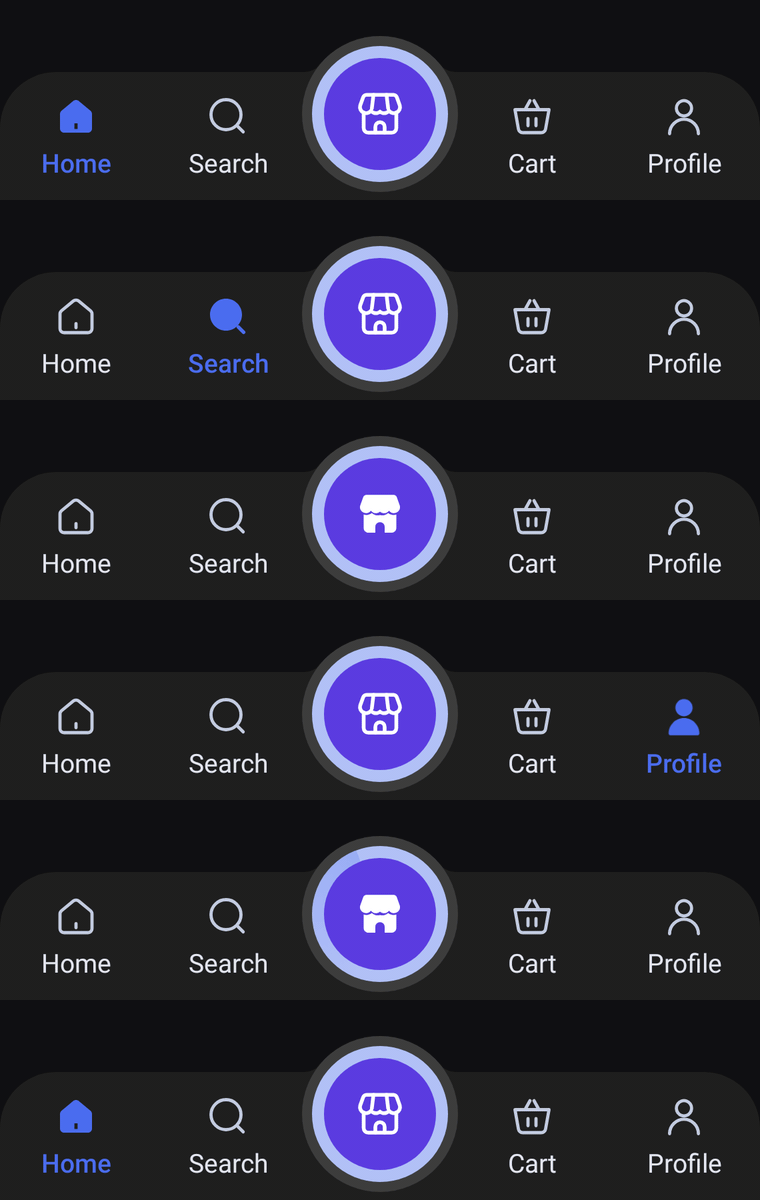
By default the bar follows isSystemInDarkTheme(). If your app has its own theme toggle, pass it in:
HaloBottomBar(
    items = items,
    selectedIndex = selectedIndex,
    onItemClick = { selectedIndex = it },
    colors = HaloBottomBarDefaults.colors(darkTheme = isDarkTheme),
)
Custom colors
Start from either palette and override only what you need:
HaloBottomBar(
    items = items,
    selectedIndex = selectedIndex,
    onItemClick = { selectedIndex = it },
    colors = HaloBottomBarDefaults.lightColors(
        containerColor = Color(0xFFFFF8F0),
        selectedContentColor = Color(0xFFE85D3A),
        unselectedContentColor = Color(0xFFB8A99A),
        unselectedLabelColor = Color(0xFFB8A99A),
        haloColor = Color(0xFFE85D3A),
        haloRingColor = Color(0xFFFFC9B5),
        haloContentColor = Color.White,
    ),
)
Every bar has its own XxxBottomBarDefaults with colors(darkTheme), lightColors(...) and darkColors(...). Each bar's page lists the colors it takes.
Label style and insets
HaloBottomBar(
    items = items,
    selectedIndex = selectedIndex,
    onItemClick = { selectedIndex = it },
    labelStyle = HaloBottomBarDefaults.LabelStyle.copy(fontSize = 12.sp, fontFamily = MyFont),
    // The bar pads itself for the navigation bar by default. Pass zero insets when the parent already does.
    windowInsets = WindowInsets(0.dp),
)
With Navigation 3
The sample app gives each tab its own back stack with Navigation 3, and switching tabs keeps every stack intact. Every bar is wired the same way:
HaloBottomBar(
    items = tabs.map { it.item },
    selectedIndex = tabs.indexOfFirst { it.route == navigationState.topLevelRoute },
    onItemClick = { index -> navigator.navigate(tabs[index].route) },
)
See ShopTabsDemo.kt for the full setup, shared by every bar's demo.