Docs / Bottom bars / 09
RailBottomBar
Flat bar of icon-only tabs; the selected one widens to show its label, framed by two rails above and below.
Preview
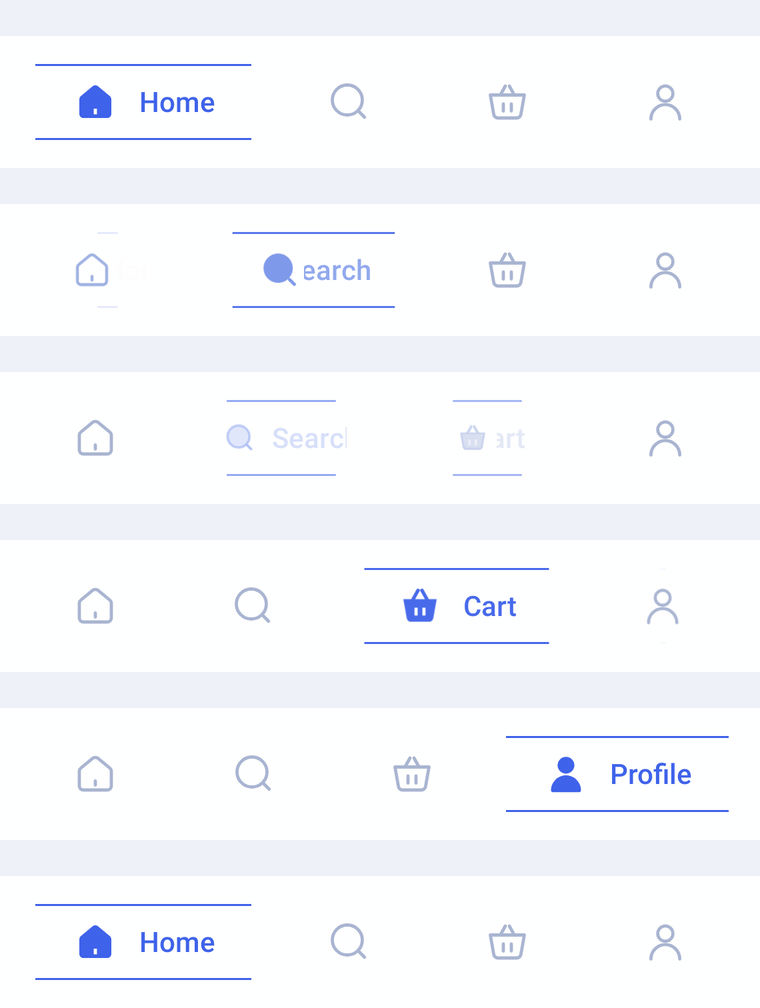
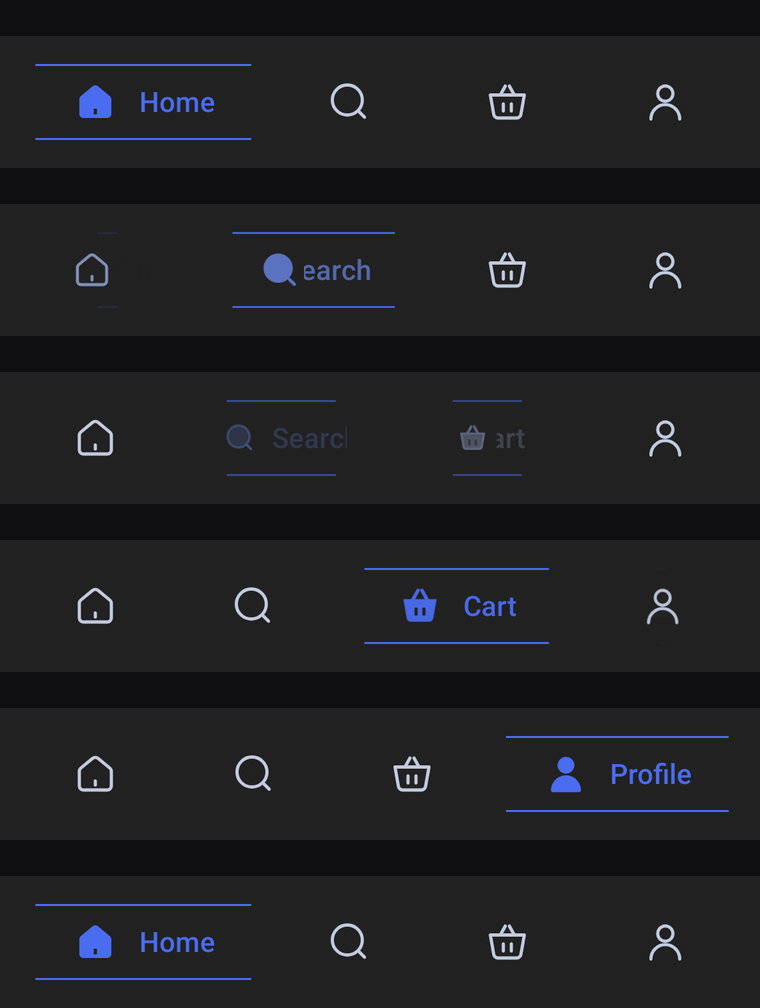
A flat bar of icon-only tabs. The selected tab widens to show its label beside a filled icon, and two thin accent rails grow out from its center, one above and one below.
Usage
RailBarItem has no center item: any tab can be selected. Unselected tabs show only icon; the selected one swaps to selectedIcon, shows its label beside it and takes a larger share of the width (1.6x), so 3 to 5 items with short labels look best.
import com.nameisjayant.bottombar.rail.RailBarItem
import com.nameisjayant.bottombar.rail.RailBottomBar
import com.nameisjayant.bottombar.rail.RailBottomBarDefaultsval items = listOf(
RailBarItem("Home", Icons.Outlined.Home, Icons.Filled.Home),
RailBarItem("Search", Icons.Outlined.Search, Icons.Filled.Search),
RailBarItem("Cart", Icons.Outlined.ShoppingCart, Icons.Filled.ShoppingCart),
RailBarItem("Profile", Icons.Outlined.Person, Icons.Filled.Person),
)
RailBottomBar(
items = items,
selectedIndex = selectedIndex,
onItemClick = { selectedIndex = it },
)Sizing and behavior
The bar is BarHeight (66dp) tall. The rails sit RailSpacing (38dp) apart, are RailThickness (1dp) thick and reach RailOverhang (18dp) past the icon and label on each side. Unselected tabs still expose their label to TalkBack.
Colors
Colors come from RailBottomBarDefaults.colors(darkTheme), lightColors(...) and darkColors(...). Start from either palette and override only what you need.
| Color | Used for |
|---|---|
containerColor | The bar background |
selectedContentColor | Icon and label of the selected tab |
railColor | The two rails framing the selected tab |
unselectedContentColor | Icons of the other tabs |
RailBottomBar(
    items = items,
    selectedIndex = selectedIndex,
    onItemClick = { selectedIndex = it },
    // Follow your app's theme instead of the system one.
    colors = RailBottomBarDefaults.colors(darkTheme = isDarkTheme),
)
API
The full signature of the composable and its item class:
fun RailBottomBar(
    items: List<RailBarItem>,
    selectedIndex: Int,
    onItemClick: (index: Int) -> Unit,
    modifier: Modifier = Modifier,
    colors: RailBottomBarColors = RailBottomBarDefaults.colors(),
    labelStyle: TextStyle = RailBottomBarDefaults.LabelStyle,
    windowInsets: WindowInsets = RailBottomBarDefaults.windowInsets,
)

class RailBarItem(
    val label: String,
    val icon: ImageVector,
    val selectedIcon: ImageVector = icon,
)