Docs / Bottom bars / 07
DiamondBottomBar
Flat bar with a glowing diamond on its top edge, which spins a quarter turn into place when selected.
Preview
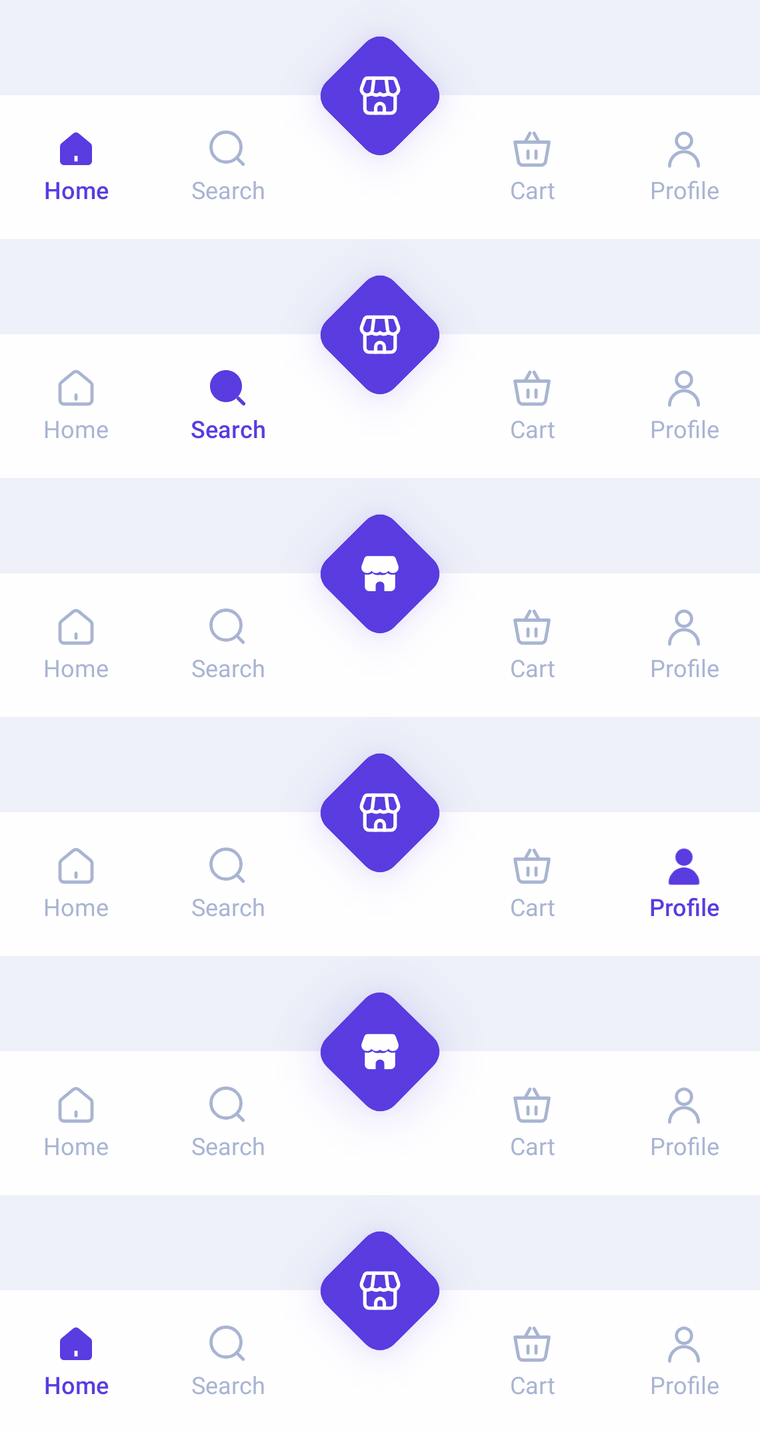
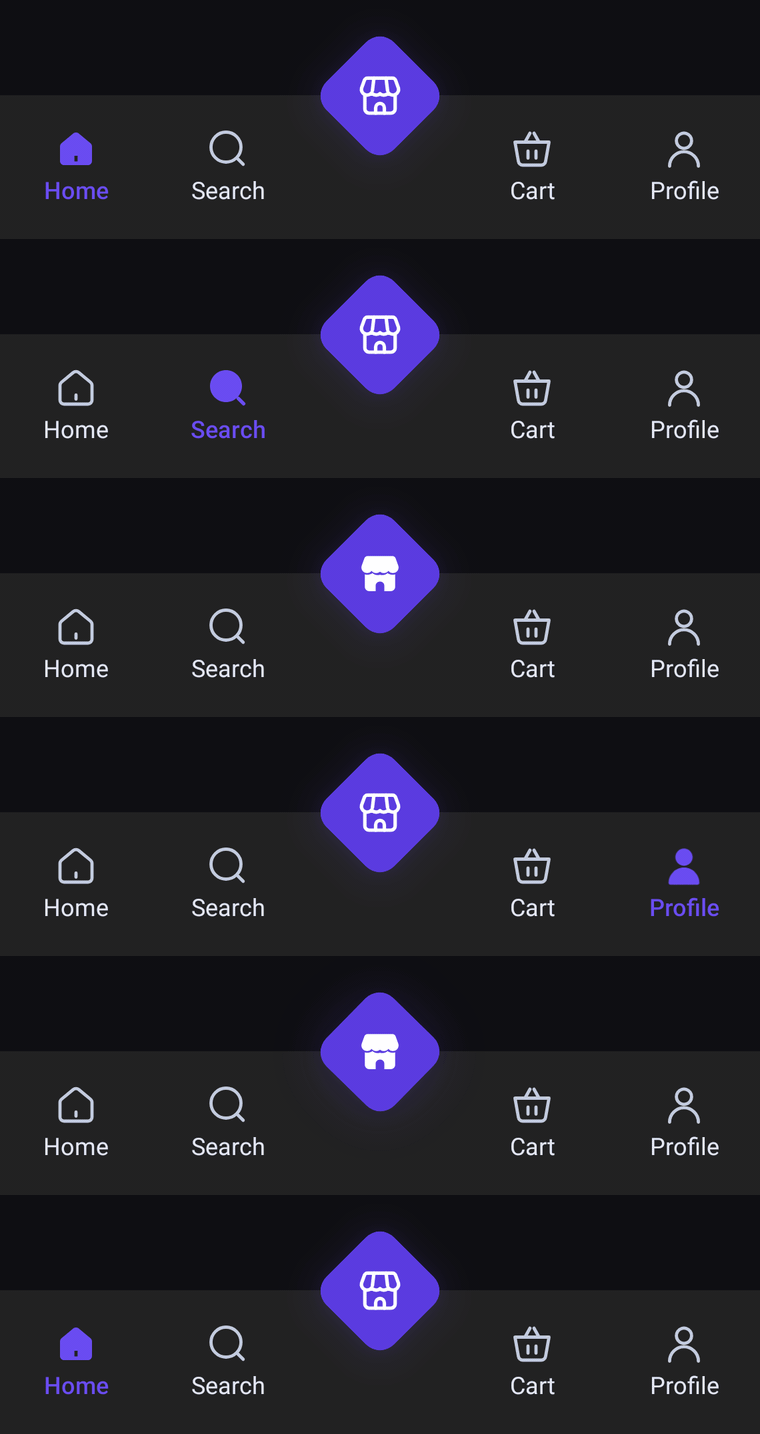
A flat bar with a glowing diamond centered on its top edge. Icons and labels always show; the selected tab fills in and turns the accent color, and the diamond spins a quarter turn into place when it is selected.
Usage
DiamondBarItem works like HaloBarItem: pass an odd number of items and the middle one becomes the diamond. Side tabs always show their icon and label; the selected one swaps to its selectedIcon and takes selectedContentColor.
import com.nameisjayant.bottombar.diamond.DiamondBarItem
import com.nameisjayant.bottombar.diamond.DiamondBottomBar
import com.nameisjayant.bottombar.diamond.DiamondBottomBarDefaultsval items = listOf(
DiamondBarItem("Home", Icons.Outlined.Home, Icons.Filled.Home),
DiamondBarItem("Search", Icons.Outlined.Search, Icons.Filled.Search),
DiamondBarItem("Store", Icons.Outlined.Store, Icons.Filled.Store), // the diamond
DiamondBarItem("Cart", Icons.Outlined.ShoppingCart, Icons.Filled.ShoppingCart),
DiamondBarItem("Profile", Icons.Outlined.Person, Icons.Filled.Person),
)
DiamondBottomBar(
items = items,
selectedIndex = selectedIndex,
onItemClick = { selectedIndex = it },
)Sizing and behavior
The flat body is BarHeight (72dp) tall and runs edge to edge, with its background extending under the navigation bar. The diamond is a DiamondSize (48dp) square with DiamondCornerRadius (10dp) corners turned on its point, centered on the top edge, so its tip rises about 30dp above the bar inside the bar's own bounds.
Colors
Colors come from DiamondBottomBarDefaults.colors(darkTheme), lightColors(...) and darkColors(...). Start from either palette and override only what you need.
| Color | Used for |
|---|---|
containerColor | The bar background |
selectedContentColor | Icon and label of the selected side tab |
unselectedContentColor | Icons of the other tabs |
unselectedLabelColor | Labels of the other tabs |
diamondColor | Fill of the diamond |
diamondContentColor | Icon inside the diamond |
diamondGlowColor | Colored shadow glowing around the diamond |
DiamondBottomBar(
    items = items,
    selectedIndex = selectedIndex,
    onItemClick = { selectedIndex = it },
    // Follow your app's theme instead of the system one.
    colors = DiamondBottomBarDefaults.colors(darkTheme = isDarkTheme),
)
API
The full signature of the composable and its item class:
fun DiamondBottomBar(
    items: List<DiamondBarItem>,
    selectedIndex: Int,
    onItemClick: (index: Int) -> Unit,
    modifier: Modifier = Modifier,
    colors: DiamondBottomBarColors = DiamondBottomBarDefaults.colors(),
    labelStyle: TextStyle = DiamondBottomBarDefaults.LabelStyle,
    windowInsets: WindowInsets = DiamondBottomBarDefaults.windowInsets,
)

class DiamondBarItem(
    val label: String,
    val icon: ImageVector,
    val selectedIcon: ImageVector = icon,
)