Docs / Bottom bars / 14
TeardropBottomBar
Flat bar of icons where the selected one fills in inside a teardrop that pops out of its pointed tip.
Preview
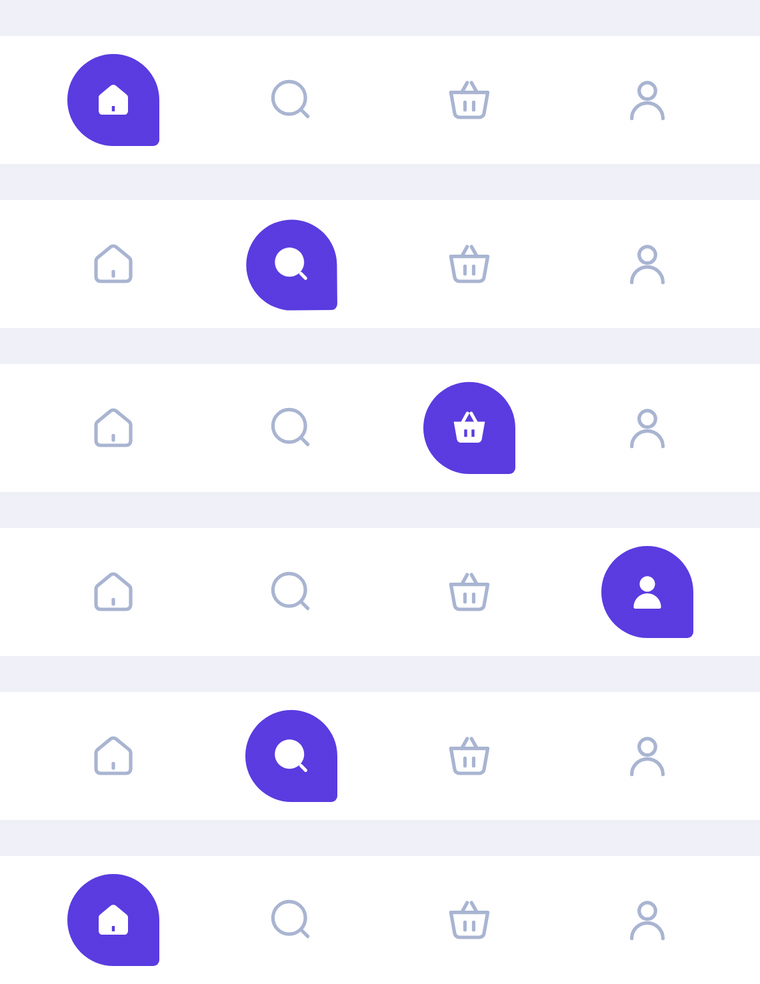
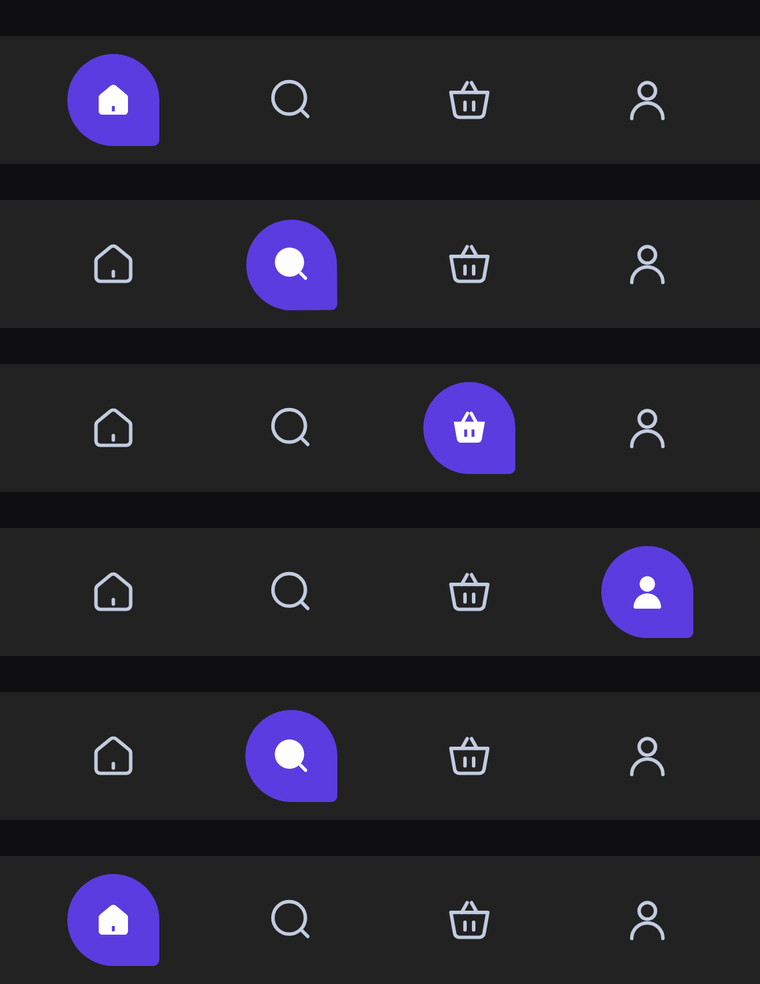
A flat bar of icon-only tabs. The selected icon fills in inside an accent teardrop, a circle with one pointed corner like a chat bubble, which pops out of its tip with a springy twist.
Usage
TeardropBarItem has no center item: any tab can be selected, and every slot gets the same width. The bar only shows icons; the selected one switches to its selectedIcon inside the teardrop. label is read out by TalkBack.
import com.nameisjayant.bottombar.teardrop.TeardropBarItem
import com.nameisjayant.bottombar.teardrop.TeardropBottomBar
import com.nameisjayant.bottombar.teardrop.TeardropBottomBarDefaultsval items = listOf(
TeardropBarItem("Home", Icons.Outlined.Home, Icons.Filled.Home),
TeardropBarItem("Wallet", Icons.Outlined.AccountBalanceWallet, Icons.Filled.AccountBalanceWallet),
TeardropBarItem("Analysis", Icons.Outlined.PieChart, Icons.Filled.PieChart),
TeardropBarItem("Profile", Icons.Outlined.Person, Icons.Filled.Person),
)
TeardropBottomBar(
items = items,
selectedIndex = selectedIndex,
onItemClick = { selectedIndex = it },
)Sizing and behavior
The bar is BarHeight (64dp) tall and spans the full width. The teardrop is IndicatorSize (46dp) across, with its bottom-end corner rounded only by TipRadius (3dp); it mirrors in right-to-left layouts. Unselected icons are IconSize (26dp) and the icon inside the teardrop is SelectedIconSize (22dp). When the selection changes, the old teardrop shrinks back into its tip and the new one grows out of its tip, overshooting slightly as it twists into place. The outline is a plain rectangle, so shadowElevation works on every API level.
Colors
Colors come from TeardropBottomBarDefaults.colors(darkTheme), lightColors(...) and darkColors(...). Start from either palette and override only what you need.
| Color | Used for |
|---|---|
containerColor | The bar background |
indicatorColor | The teardrop behind the selected icon |
selectedContentColor | The icon inside the teardrop (white by default) |
unselectedContentColor | Icons of the other tabs |
TeardropBottomBar(
    items = items,
    selectedIndex = selectedIndex,
    onItemClick = { selectedIndex = it },
    // Follow your app's theme instead of the system one.
    colors = TeardropBottomBarDefaults.colors(darkTheme = isDarkTheme),
)
API
The full signature of the composable and its item class:
fun TeardropBottomBar(
    items: List<TeardropBarItem>,
    selectedIndex: Int,
    onItemClick: (index: Int) -> Unit,
    modifier: Modifier = Modifier,
    colors: TeardropBottomBarColors = TeardropBottomBarDefaults.colors(),
    shadowElevation: Dp = 0.dp,
    windowInsets: WindowInsets = TeardropBottomBarDefaults.windowInsets,
)

class TeardropBarItem(
    val label: String,
    val icon: ImageVector,
    val selectedIcon: ImageVector = icon,
)