Docs / Bottom bars / 11
ScribbleBottomBar
Flat bar of icon-only tabs; a hand-drawn loop draws itself around the selected icon, with a dot underneath.
Preview
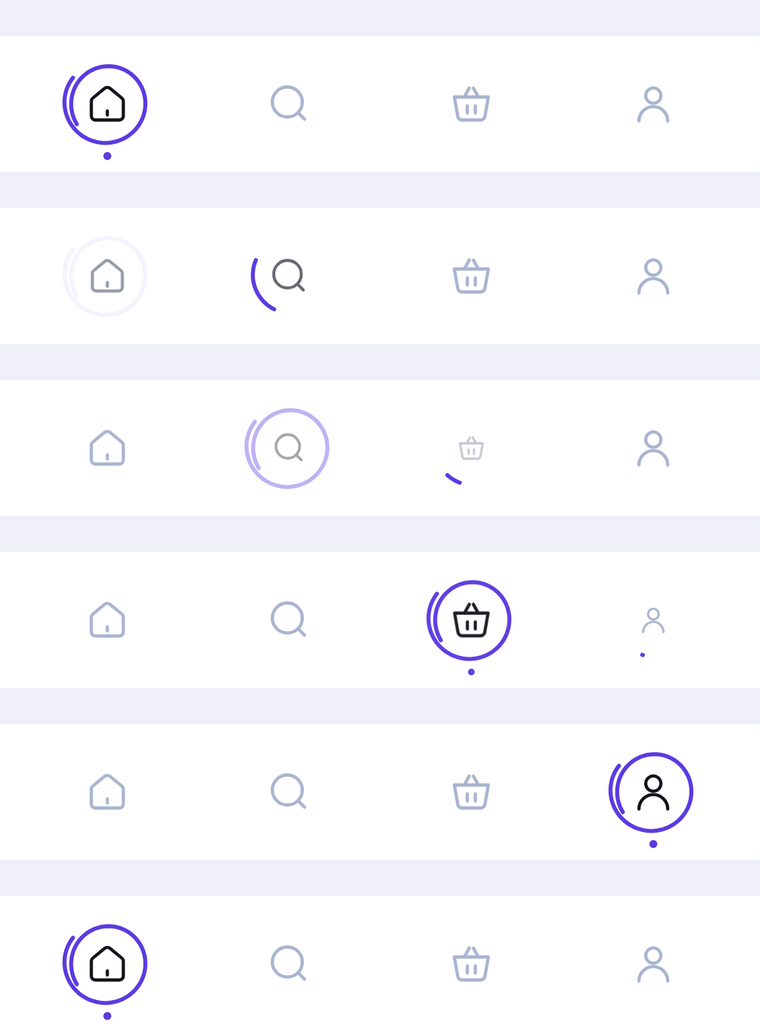
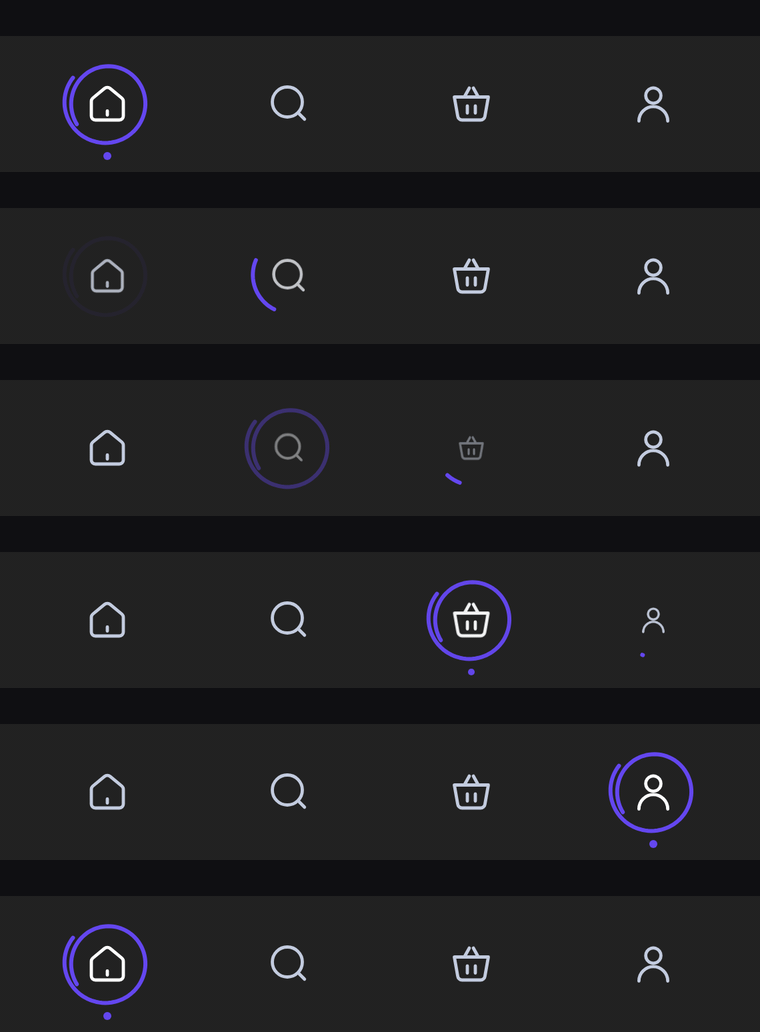
A flat bar of icon-only tabs. The selected icon darkens and a hand-drawn accent loop draws itself around it, overshooting its start like a quick pen stroke, before a small dot pops in underneath.
Usage
ScribbleBarItem has no center item: any tab can be selected, and every slot gets the same width. The bar only shows icons, so label is read out by TalkBack. selectedIcon defaults to icon, as in the original design the loop and the darker tint already mark the selection, but you can pass a filled twin.
import com.nameisjayant.bottombar.scribble.ScribbleBarItem
import com.nameisjayant.bottombar.scribble.ScribbleBottomBar
import com.nameisjayant.bottombar.scribble.ScribbleBottomBarDefaultsval items = listOf(
ScribbleBarItem("Home", Icons.Outlined.Home),
ScribbleBarItem("Wallet", Icons.Outlined.AccountBalanceWallet),
ScribbleBarItem("Stats", Icons.Outlined.PieChart),
ScribbleBarItem("Profile", Icons.Outlined.Person),
)
ScribbleBottomBar(
items = items,
selectedIndex = selectedIndex,
onItemClick = { selectedIndex = it },
)Sizing and behavior
The bar is BarHeight (68dp) tall. The loop is ScribbleSize (42dp) across with a ScribbleStrokeWidth (2dp) stroke, and the DotSize (4dp) dot sits DotGap (3dp) under it. When a tab is selected the loop draws itself in while turning into place, the dot pops in as it closes, and the loop of the previous tab fades out.
Colors
Colors come from ScribbleBottomBarDefaults.colors(darkTheme), lightColors(...) and darkColors(...). Start from either palette and override only what you need.
| Color | Used for |
|---|---|
containerColor | The bar background |
selectedContentColor | Icon of the selected tab |
unselectedContentColor | Icons of the other tabs |
scribbleColor | The loop and the dot under the selected tab |
ScribbleBottomBar(
    items = items,
    selectedIndex = selectedIndex,
    onItemClick = { selectedIndex = it },
    // Follow your app's theme instead of the system one.
    colors = ScribbleBottomBarDefaults.colors(darkTheme = isDarkTheme),
)
API
The full signature of the composable and its item class:
fun ScribbleBottomBar(
    items: List<ScribbleBarItem>,
    selectedIndex: Int,
    onItemClick: (index: Int) -> Unit,
    modifier: Modifier = Modifier,
    colors: ScribbleBottomBarColors = ScribbleBottomBarDefaults.colors(),
    windowInsets: WindowInsets = ScribbleBottomBarDefaults.windowInsets,
)

class ScribbleBarItem(
    val label: String,
    val icon: ImageVector,
    val selectedIcon: ImageVector = icon,
)